Making the most of Claude Code
TLDR
How to get more out of Claude Code: feedback loops, permissions, MCP, up-to-date docs and running many agents, with eight articles and tools to read.
The biggest gain with Claude Code comes from the setup around it: how the agent checks its own work, what it is allowed to do without asking, and what context it can reach. Eight articles and tools in the directory cover those pieces, from feedback loops to running dozens of instances at once.
Here is the set, grouped by the problem each one tackles.
Claude Code dangerously-skip-permissions: Safe Usage Guide
Compound Engineering: How Every Codes With Agents
Give Claude Code an external monitor
Let the agent check its own work
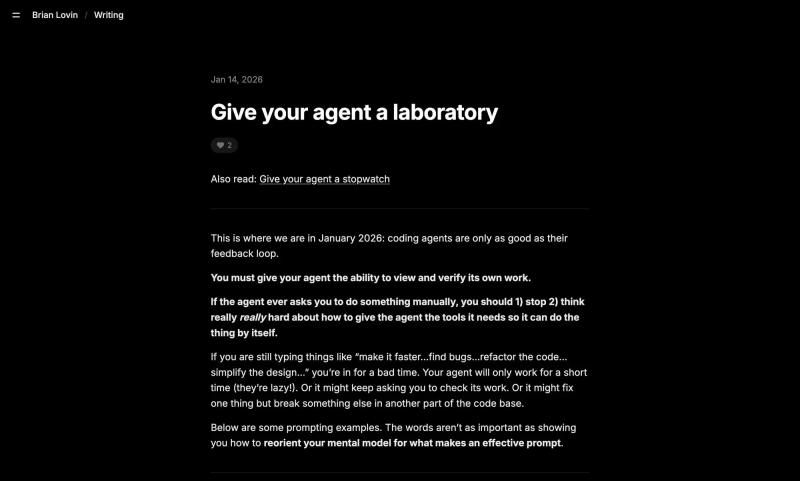
Brian Lovin argues that coding agents in 2026 are only as effective as their feedback loops. In Give your agent a laboratory, he suggests replacing vague instructions with tools and "laboratory" environments where the agent can view, test and verify its own work. The practical question to ask of any project is what the agent would need in order to see the result of a change without you describing it.
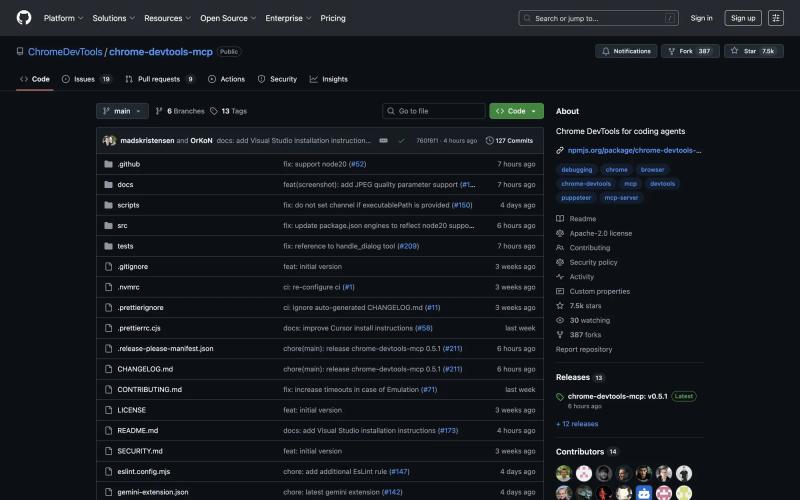
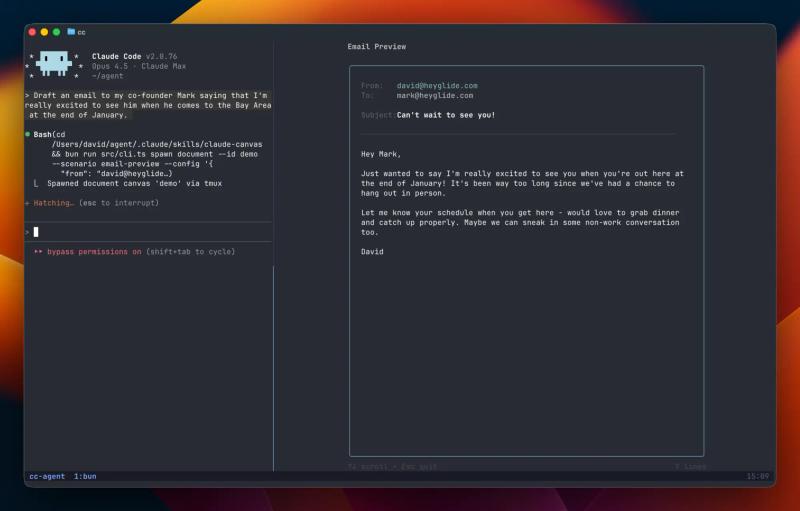
Two tools in the directory fit that idea. Chrome Dev Tools MCP describes itself as Chrome DevTools for coding agents, and it lives in a GitHub repo, so expect to read the README to get it connected. Give Claude Code an external monitor is also a GitHub project (dvdsgl/claude-canvas), tagged for QA, that gives Claude Code a second screen to work with.
Give it the right context
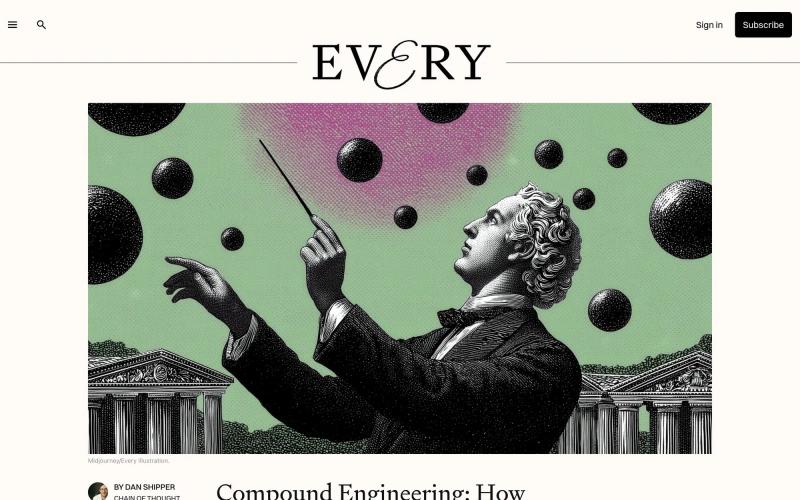
Context7 generates context from up-to-date documentation for LLMs and AI code editors. That matters when the library you are using has changed since the model was trained, because the agent can read the current docs instead of guessing from memory.
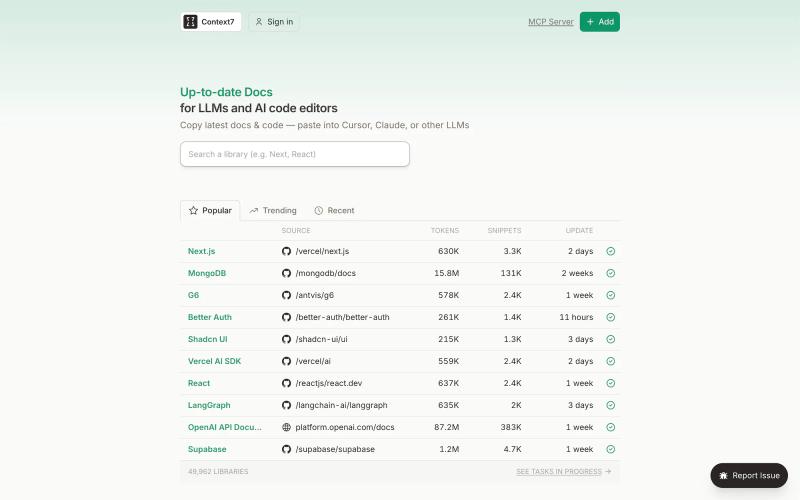
What if you don't need MCP at all? takes the opposite view on tooling. Its summary is short: if you have Bash and some code interpreter, skip MCP. Read it next to the Chrome DevTools entry above, since that one is an MCP server, and you will see both sides of the same decision.
Decide how much to ask permission
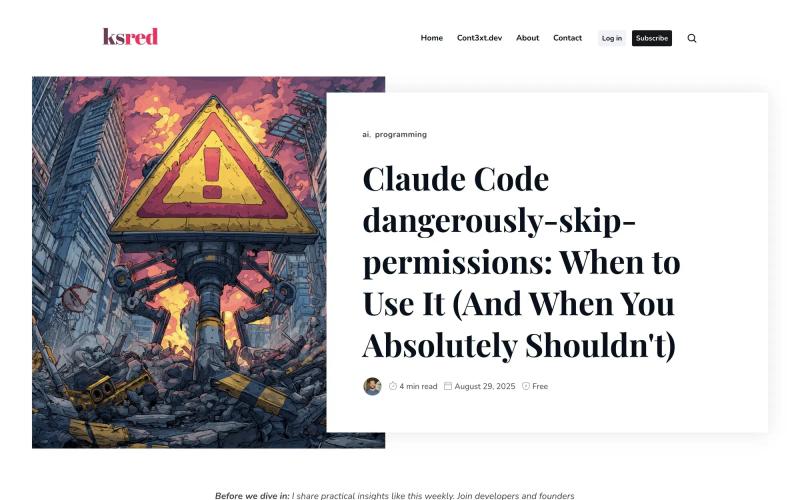
Claude Code dangerously-skip-permissions: Safe Usage Guide covers when it is safe to use Claude Code's `--dangerously-skip-permissions` flag and when to avoid it. It includes real examples, config setup and safety tips. The flag trades interruptions for risk, so the useful part of the guide is the line it draws between the two cases.
[Corey: do you run with permissions skipped, and in what kind of project? A sentence or two on where you draw the line.]
Run more than one agent
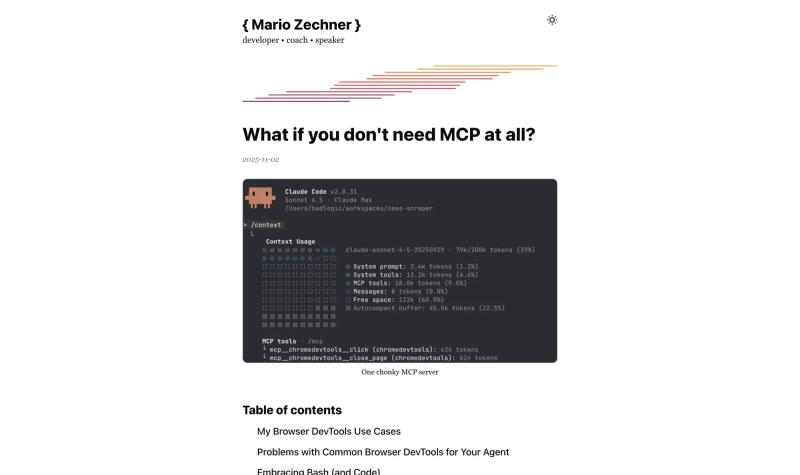
Steve Yegge's Welcome to Gas Town introduces an "orchestrator" for AI coding agents, built to handle the complexity of running dozens of Claude Code instances at the same time. It sits at the far end of this list, and it shows what the tooling looks like once one agent is not enough.
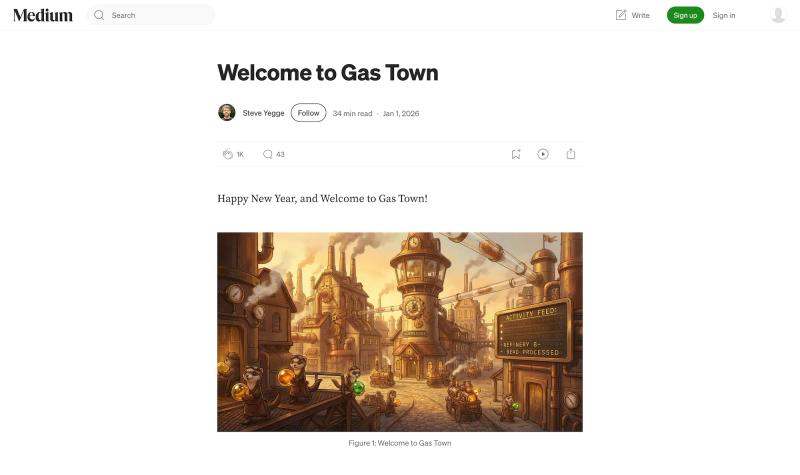
Compound Engineering: How Every Codes With Agents describes a four-step engineering process for software teams that don't write code. It is a process rather than a tool, which makes it a good counterweight to the orchestrator: one is about how work is organized, the other is about how many agents you can keep running.
Where to start
[Corey: which one or two of these changed how you work with Claude Code, and what does your own setup look like?]
FAQ
What is a feedback loop for a coding agent?
It is a way for the agent to see the result of its own changes and check them. Brian Lovin's Give your agent a laboratory argues that agents are only as effective as these loops, and that giving them tools to view, test and verify their work beats vague instructions.
Do I need MCP to use Claude Code well?
The article What if you don't need MCP at all? says no: with Bash and a code interpreter, skip MCP. Some tools here, like Chrome Dev Tools MCP, are MCP servers, so it depends on what you want the agent to reach.
Is it safe to skip permissions in Claude Code?
It depends on the situation. The safe usage guide covers when to use the `--dangerously-skip-permissions` flag and when to avoid it, with config setup and safety tips.
How do I keep Claude Code current on a library's docs?
Context7 generates context from up-to-date documentation for LLMs and AI code editors, which gives the agent something current to work from.





Subscribe for updates
Get updates on the latest curated resources and be the first to hear of new features.
SubscribeStyle, type, and motion in harmony, architectural web glory, AI your brand
When AI becomes your copilot, make sure you still know how to fly the plane.
Featured inspo