Making the most of Claude Code

TLDR

Articles, tools, and workflows to level up how you work with Claude Code and AI agents.

Date

Jan 12, 2026

Author

No-Code Supply Co.

The difference between Claude Code feeling like a novelty and feeling like a genuine multiplier comes down to one thing: how well you set up the environment around it. Feedback loops, permissions, context — get those right and a single developer starts operating like a small team.

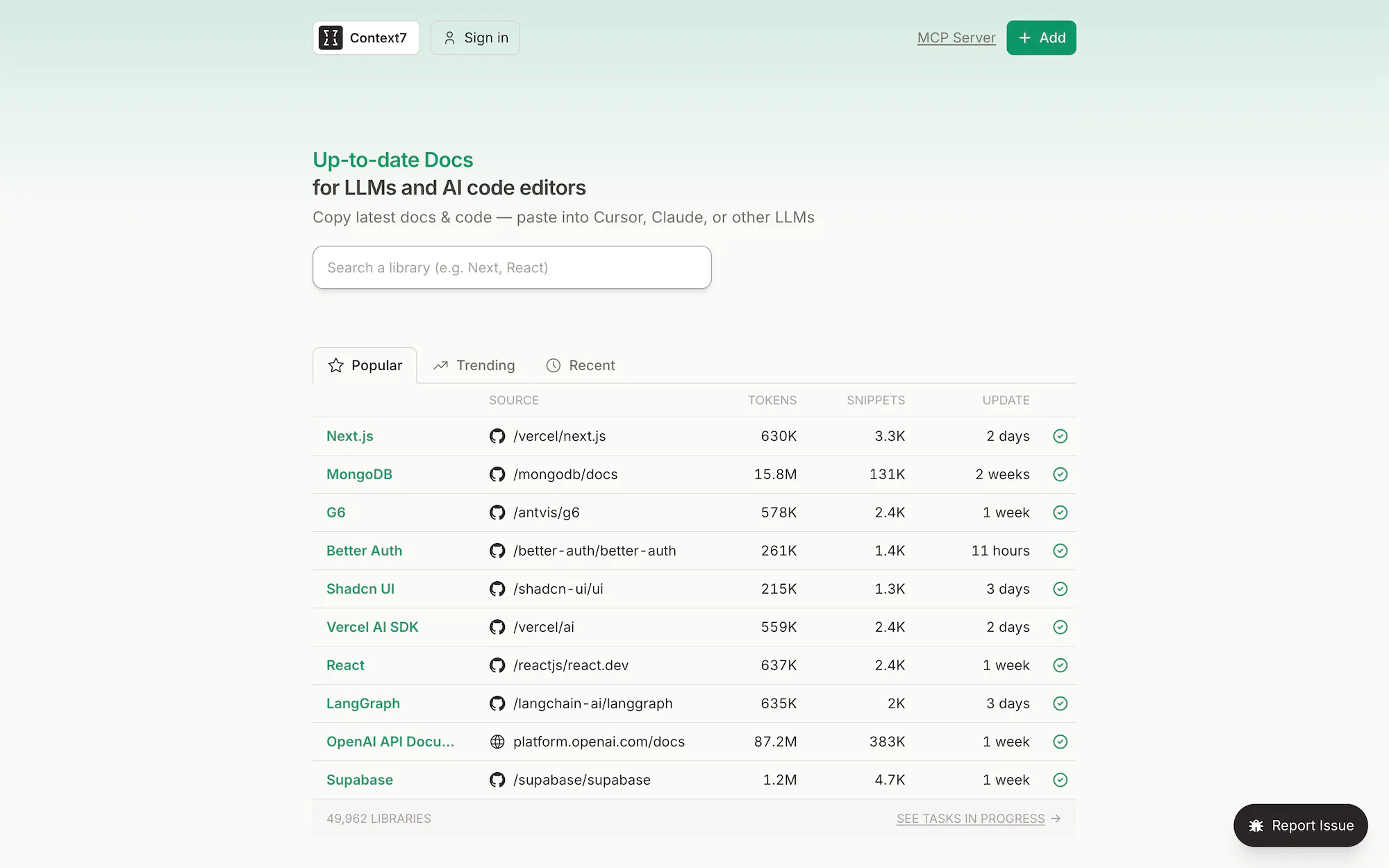
This collection pulls together some of the best thinking on that problem. Brian Lovin argues that agents are only as effective as their ability to verify their own work — so give them test suites, linters, and preview environments to check against. Steve Yegge introduces an orchestrator for running dozens of Claude Code instances in parallel. There are practical guides on the dangerously-skip-permissions flag, arguments for why you might not even need MCP when bash scripts do the job, and tools like Context7 that pipe up-to-date documentation directly into your agent context window.

The underlying thing here is that using Claude Code and getting real leverage from Claude Code are two very different things. The gap between them is mostly about the workflows and infrastructure you build around it

Give your agent a laboratory

1.23.26

Claude Code dangerously-skip-permissions: Safe Usage Guide

1.5.26

What if you don't need MCP at all?

1.11.26

Welcome to Gas Town

1.7.26

Compound Engineering: How Every Codes With Agents

1.5.26

Context7

10.30.25

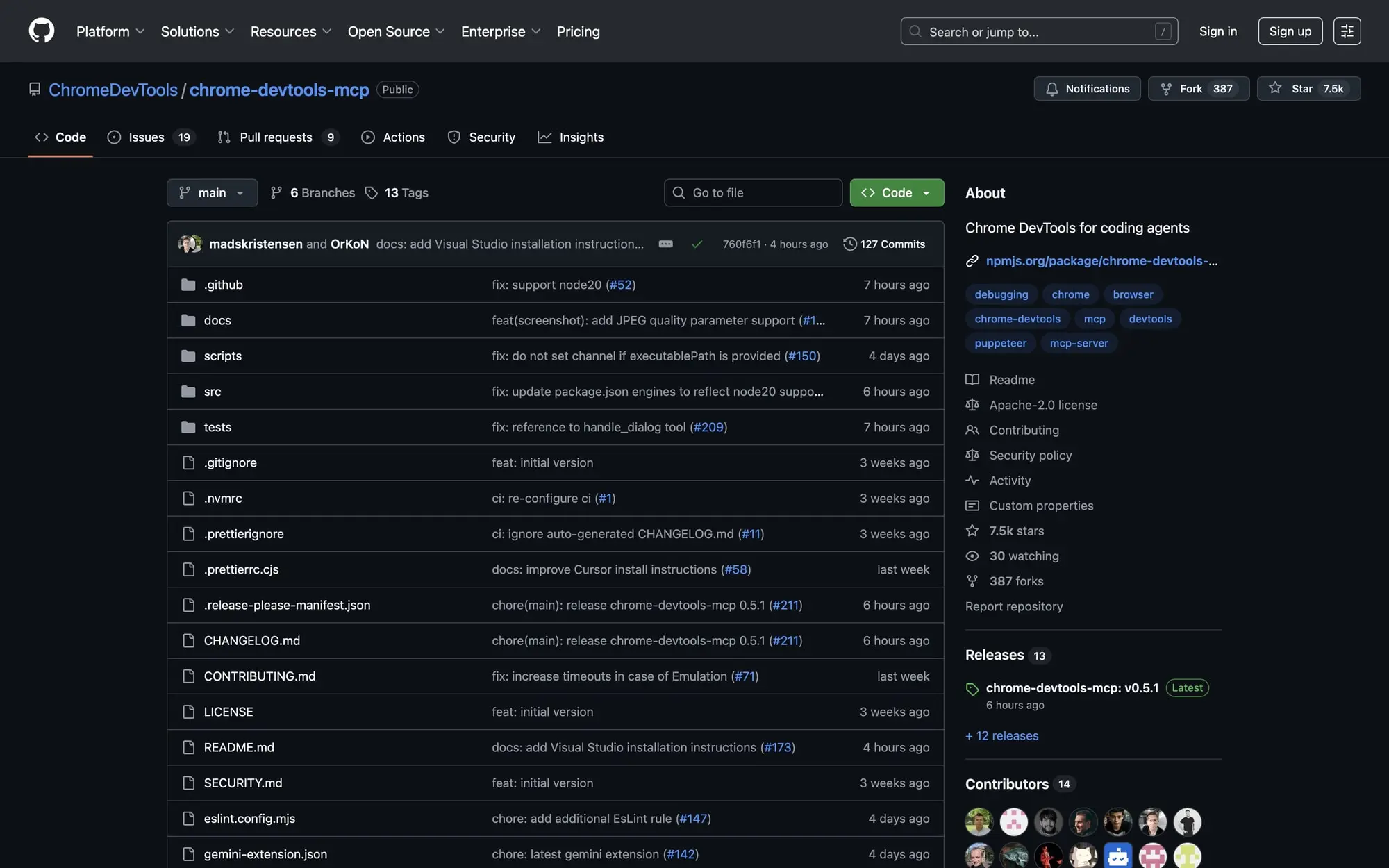
Chrome Dev Tools MCP

9.29.25

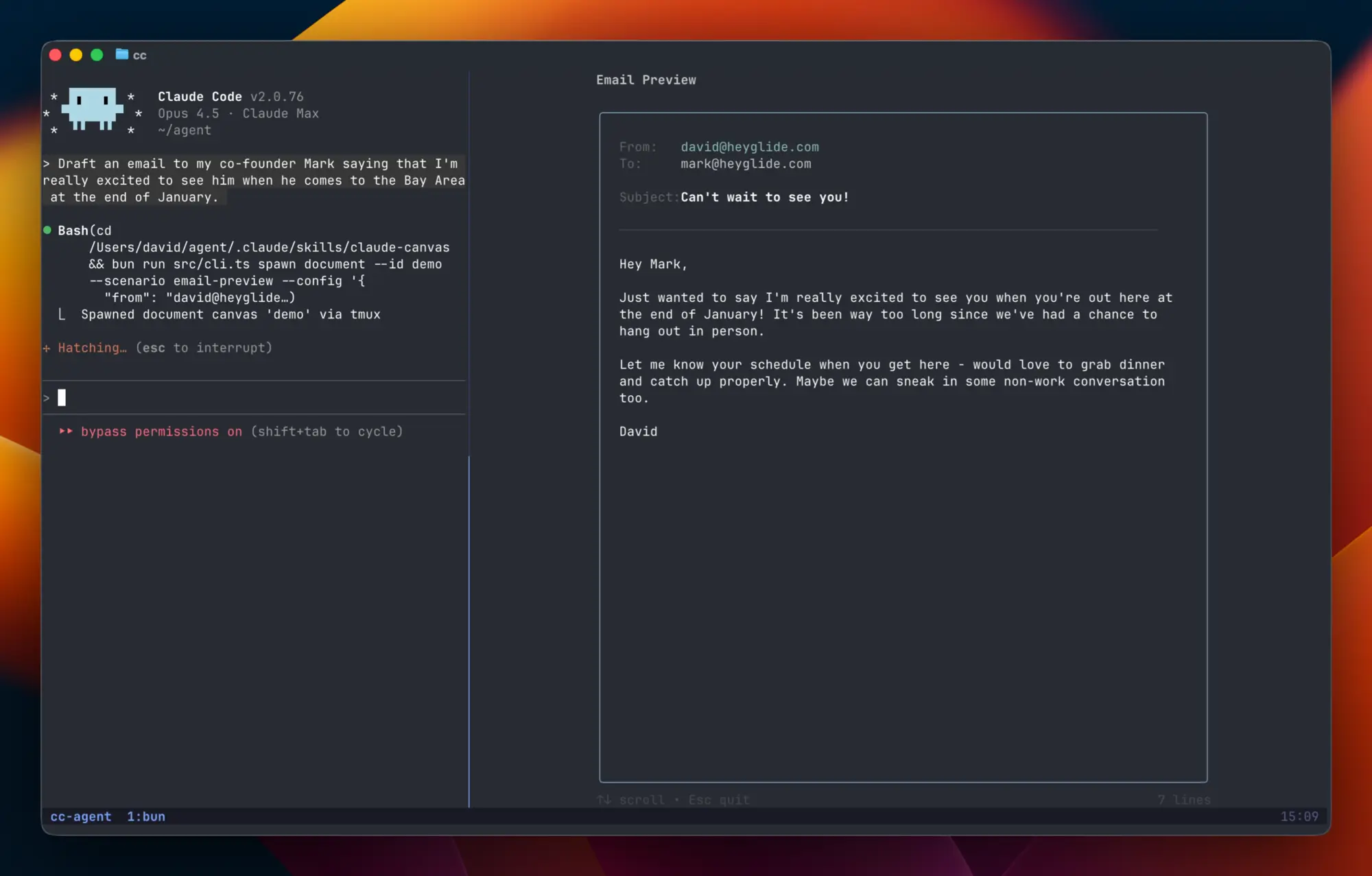
Give Claude Code an external monitor

1.11.26

I hope this helps if you are in that phase of figuring out what works. Start with one or two ideas from this list — maybe set up a feedback loop or try Context7 for docs — and build from there. You do not need all of this at once.

Keep exploring

Thank you! Your submission has been received!
Oops! Something went wrong while submitting the form.

EverArt

2.21.24

Accessibility Maturity Model

2.19.24

Airtable vs Asana for project management: a guide for nerds

2.19.24

Master Gorgeous UI Design Course

$149
2.15.24

Figma Brand Guide Template

$49
2.13.24

Maneken

2.13.24

Build Anything Online

2.12.24

Airscript

2.9.24

Vikas' Airtable Scripting Custom GPT

2.9.24

Snapshift

2.5.24

Intro to Web Design

1.30.24

Veed

1.28.24

Letterly App

1.28.24

Multi App

1.26.24

HTML <dialog> Modal

1.22.24

The New Dialog HTML Element Changes Modals Forever

1.21.24

Custom Tag Form Spam Prevention

1.15.24

Toggle Dark Mode with CSS :has()

1.14.24

Small Medium Large

1.9.24

Inspotype

1.5.24

Use AI to Streamline Airtable Automations

1.5.24

Prompt engineering

1.5.24

Exactly.ai

1.5.24

Midjourney

1.5.24

Image Resets in Webflow

1.3.24

The Subtext

1.3.24

Serpdrill

1.3.24

Pika

1.3.24

Dubble

1.3.24

Tola

12.29.23

Scroll Based Animations With CSS Only

12.28.23

The AHA Stack

12.20.23

Glyph Supply

12.20.23

Shots

12.20.23

AI Playbook for Design Teams

12.20.23

Color Scroll Interaction With Webflow Variables

12.16.23

Dropbox and Google Drive Asset Hosting

12.15.23

Creator Supply

12.14.23

Creating Accessible UI Animations

12.14.23

Nucleo

12.12.23

‎Bard

12.11.23

Krea

12.11.23

ToolKit™ by The Brand Identity

12.8.23

Method of Action

12.8.23

GSAP Crash Course for Webflow

12.6.23

Respell

12.6.23

MAST CSS Framework for Webflow — a quick explainer and comparison

12.6.23

Clay

12.6.23

AirOps

12.6.23

Lightbox Inside Webflow Rich Text

12.4.23

Alpine.js

12.1.23
Load more

Bummer, no results

Try a different search/filter combo, or drop us some feedback if there is something missing you would love to see!

Reset filters

Subscribe for updates

Get updates on the latest curated resources and be the first to hear of new features.