Setting Cookies

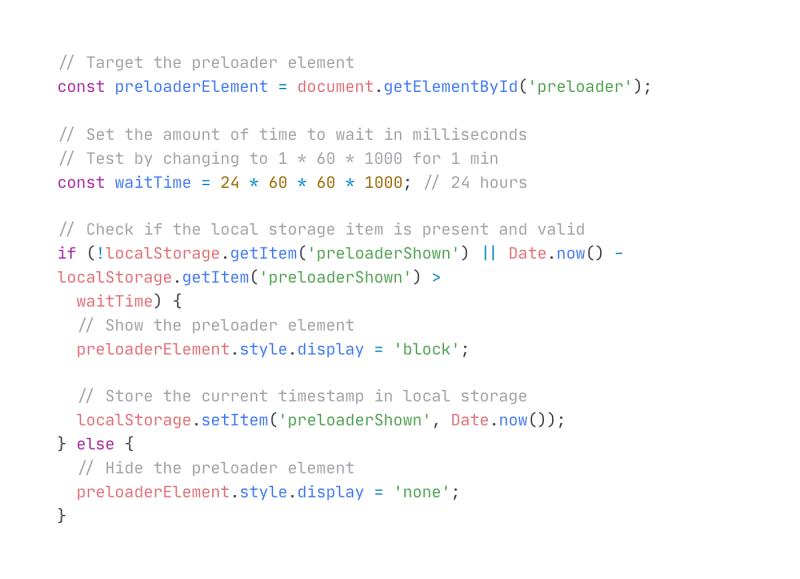
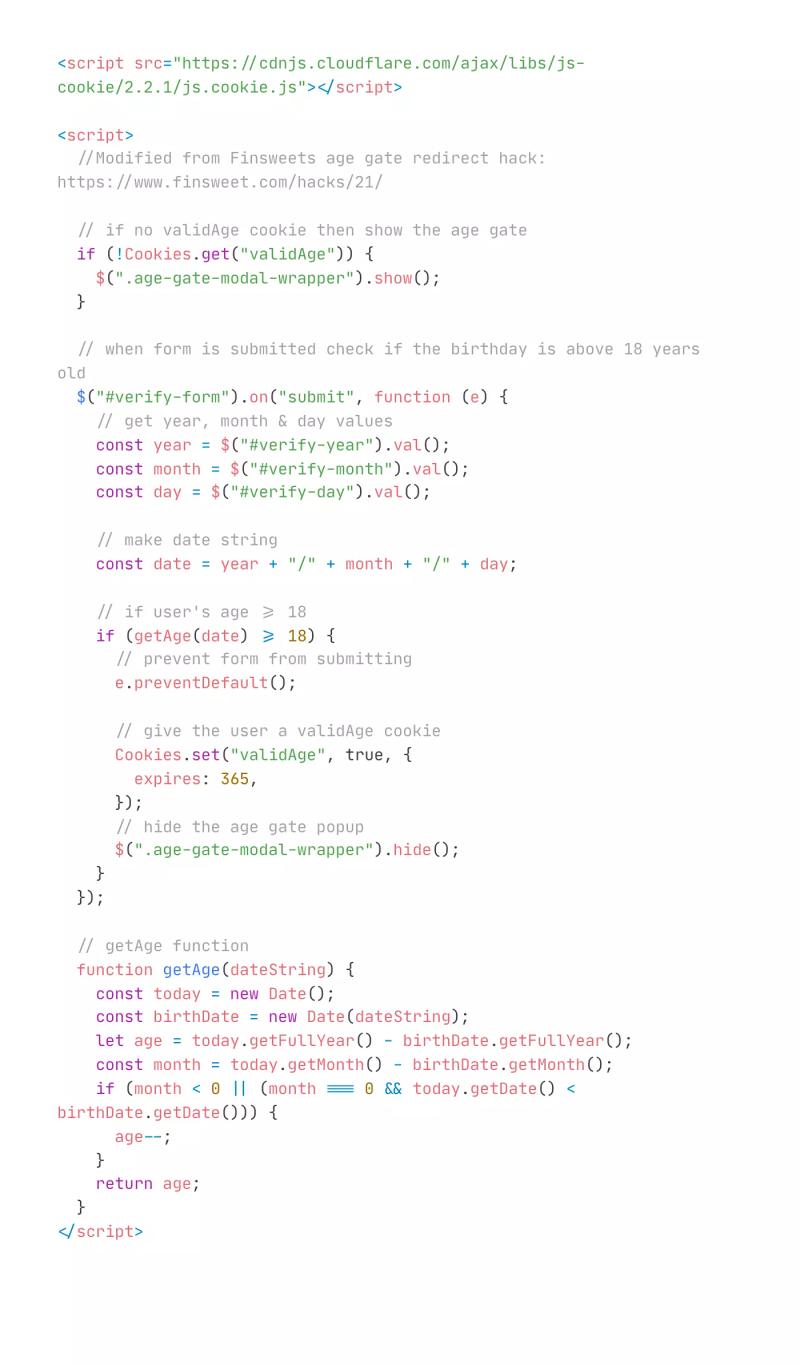
Use cookies and some relatively simple custom code to store information in a user's browser in order to create an enhanced, state-managed user experience for a variety of use cases like keeping something hidden after its closed. Originally from TRicks here: https://youtu.be/rfwiyBoVwdQ
Tags
Creator
Share this item
Related items

Have feedback or a question related to this item? Drop us some feedback!
Curated:
8.25.21

Inline Merge and Nest Collection Lists
4.29.21


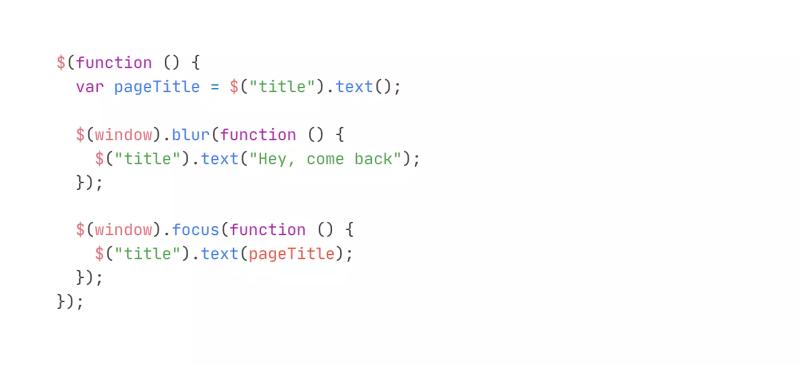
Update Page Title When Navigating Away
3.30.22
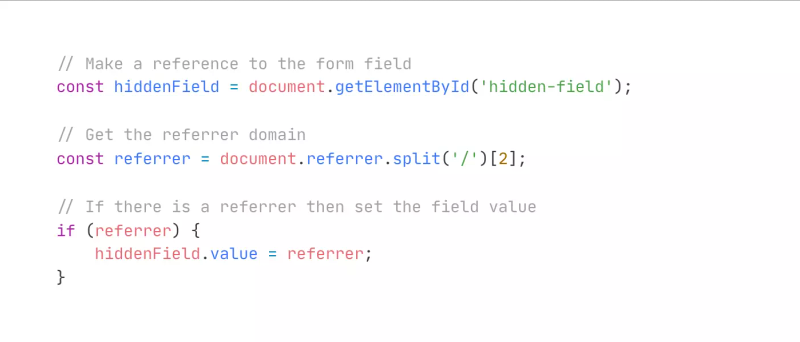
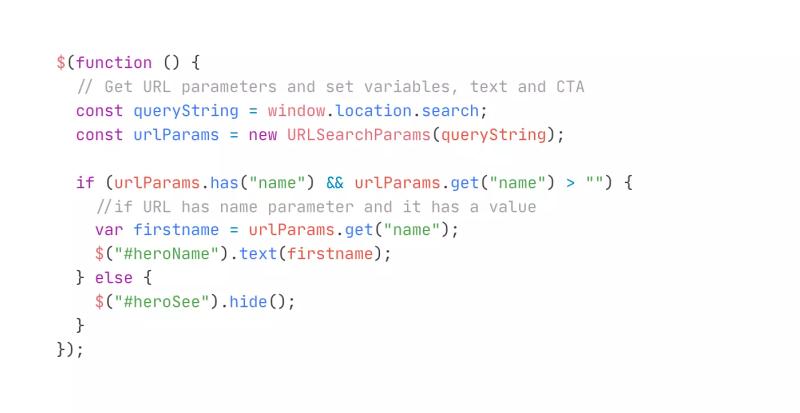

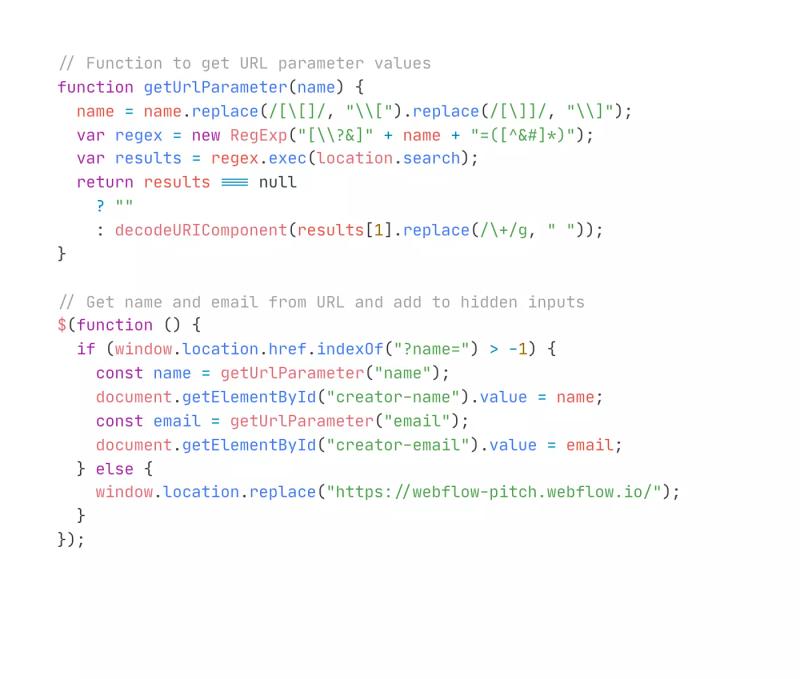
Set Hidden Input Value From URL Parameters
8.25.21
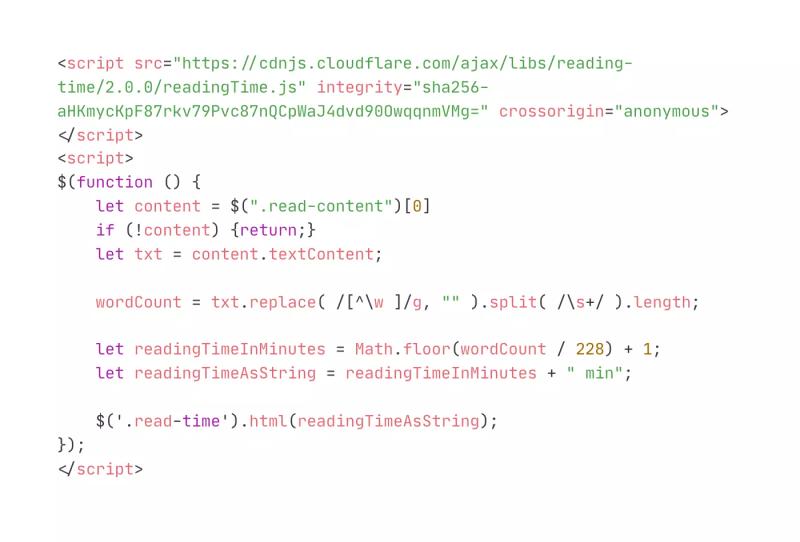
Set Reading Time on Blog/Article Page
3.24.21
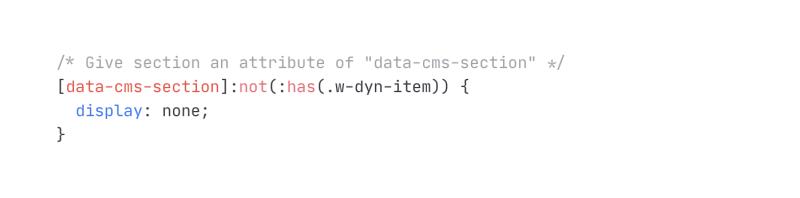
Hide Section if Child CMS Collection is Empty in Webflow
4.2.24



Subscribe for updates
Get updates on the latest curated resources and be the first to hear of new features.
SubscribeStyle, type, and motion in harmony, architectural web glory, AI your brand
When AI becomes your copilot, make sure you still know how to fly the plane.
Featured inspo

Lucas Bonomi

5Four Digital

Melike Turgut

Aardvark Book Club