Set Equal Heights Based on Tallest
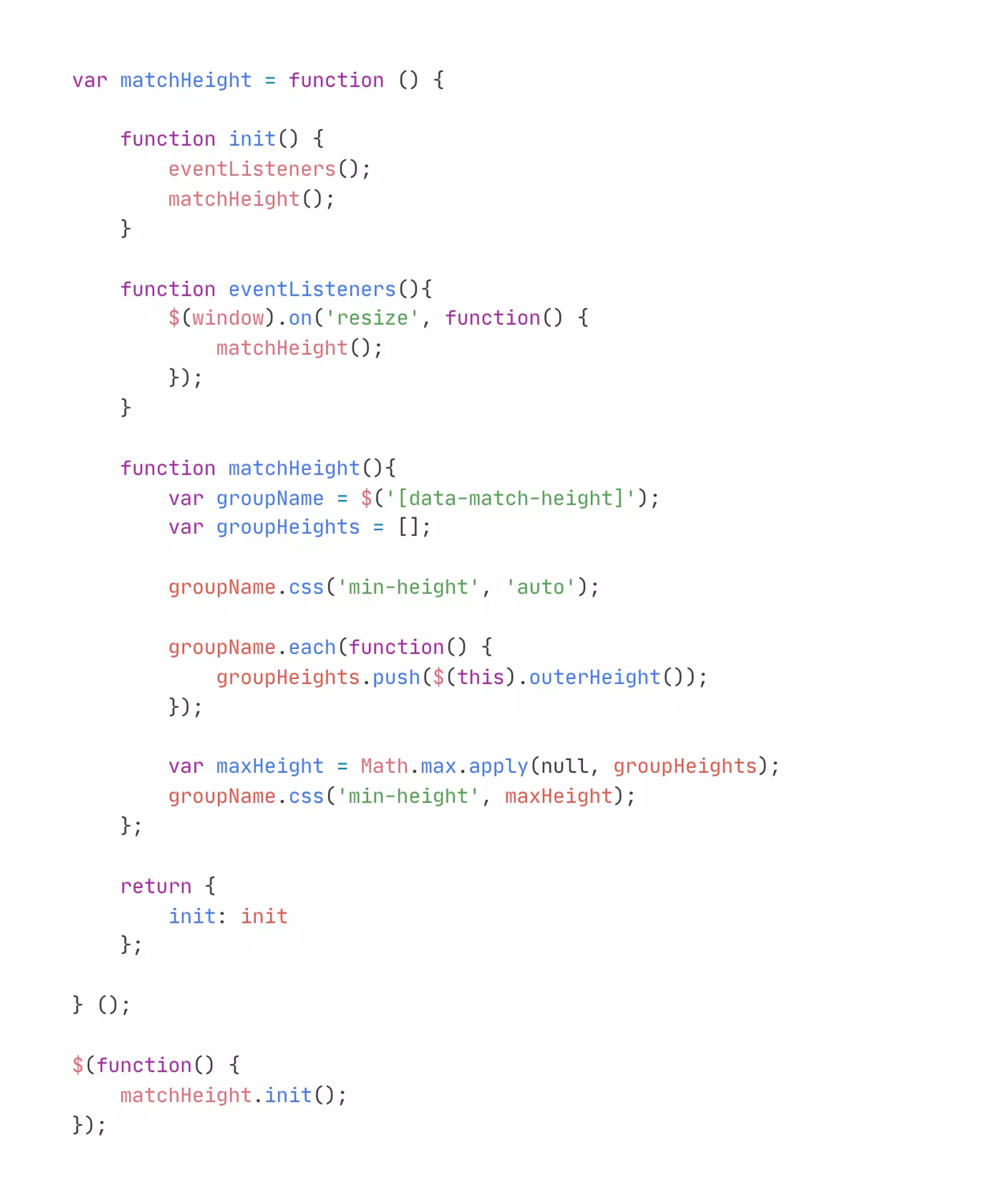
Force the height of separate elements to be the same based on whichever of them is the tallest. This is helpful for a tabs component with varying heights of content in each tab, which causes the page to jump when changing tabs. Learn more here: https://codepen.io/Lewitje/pen/YybQEP
Tags
Creator
Share this item
Related items

Have feedback or a question related to this item? Drop us some feedback!
Curated:
1.11.21
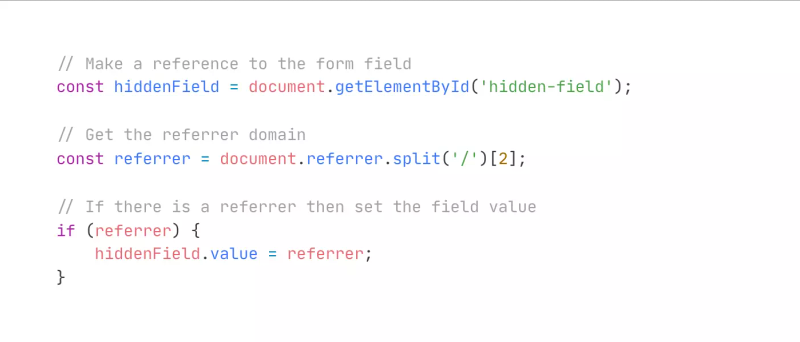
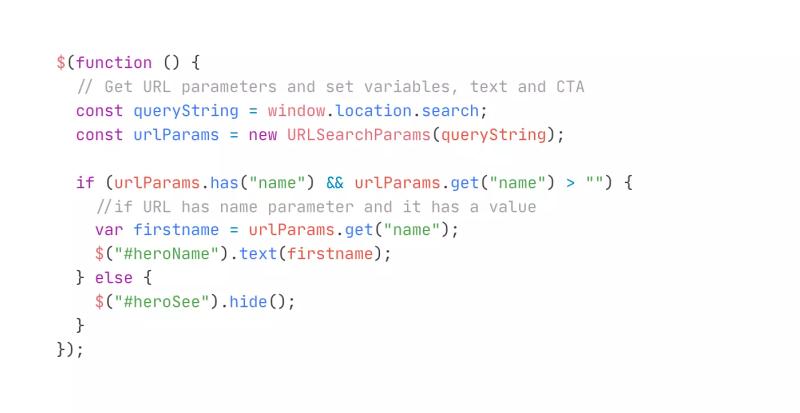

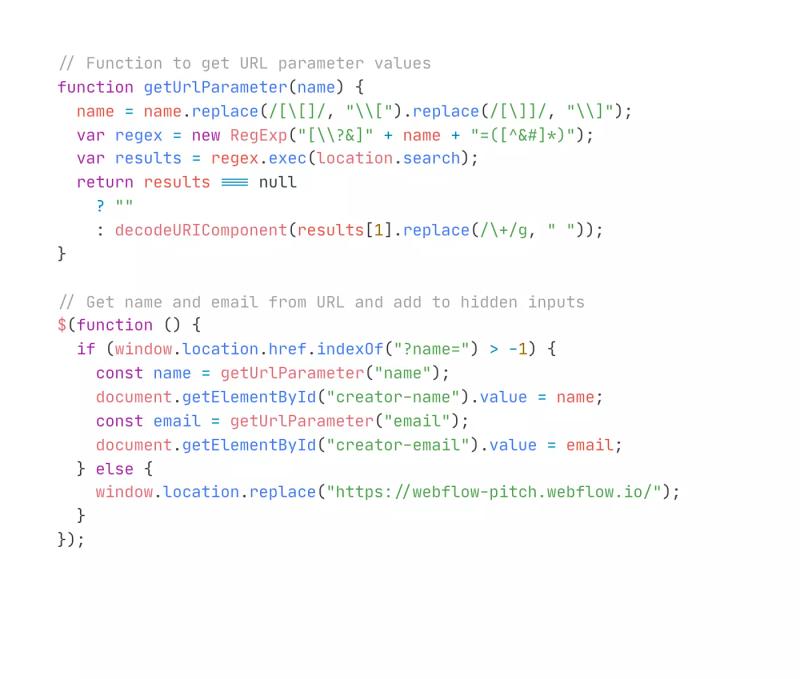
Set Hidden Input Value From URL Parameters
8.25.21
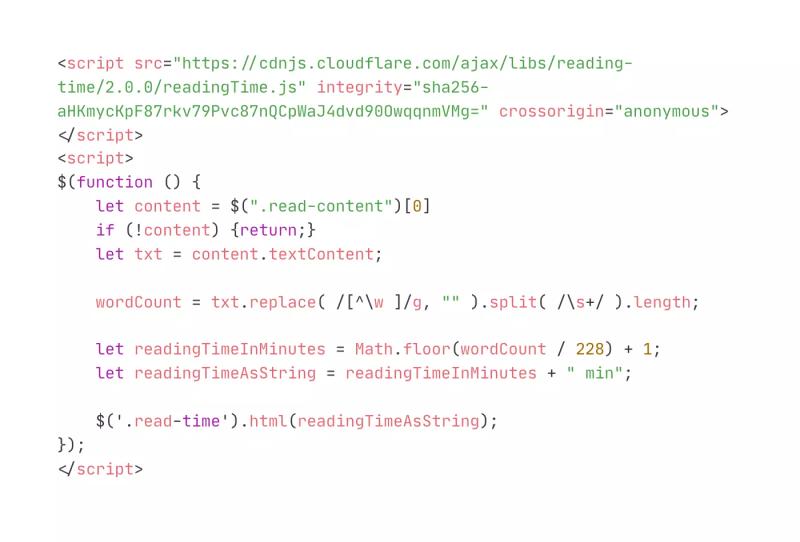
Set Reading Time on Blog/Article Page
3.24.21
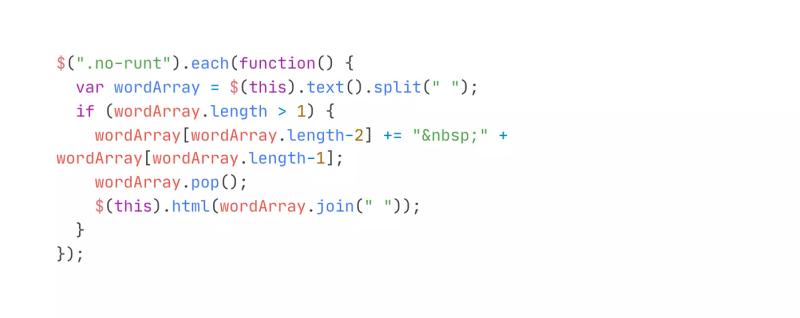
Fix Paragraph Runts With Nonbreaking Space
10.8.20
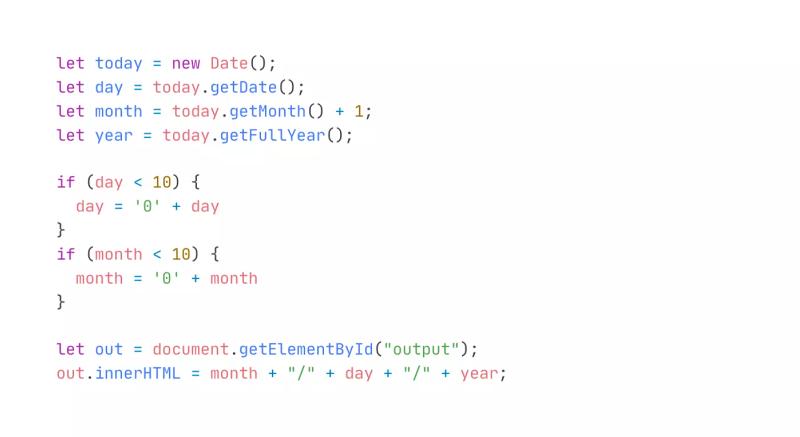
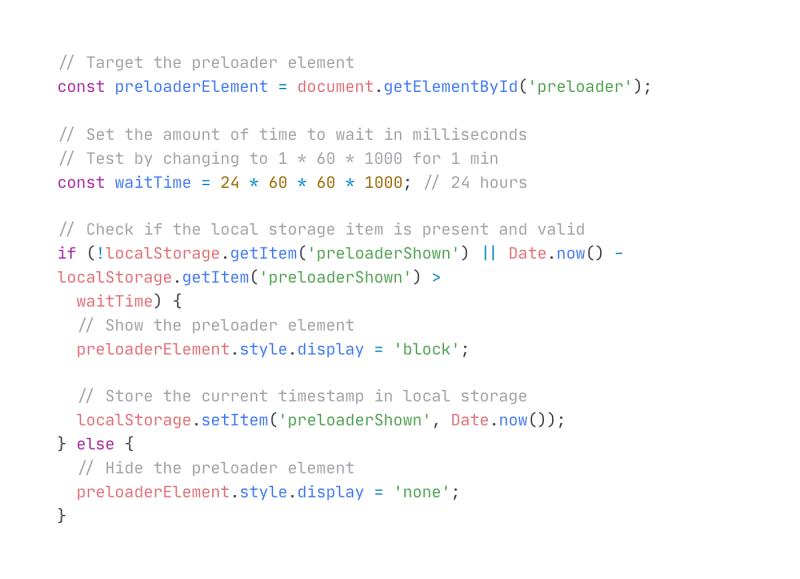


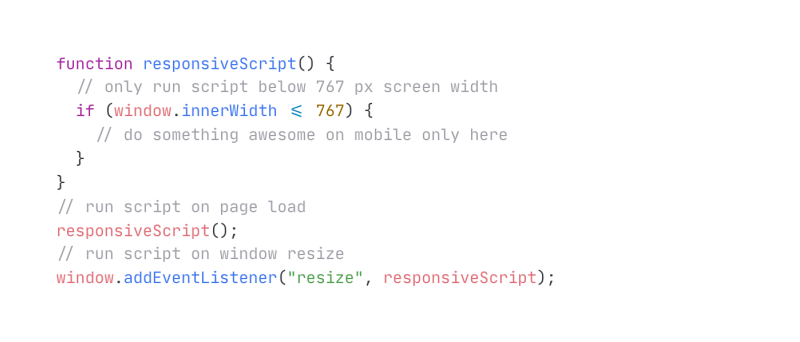

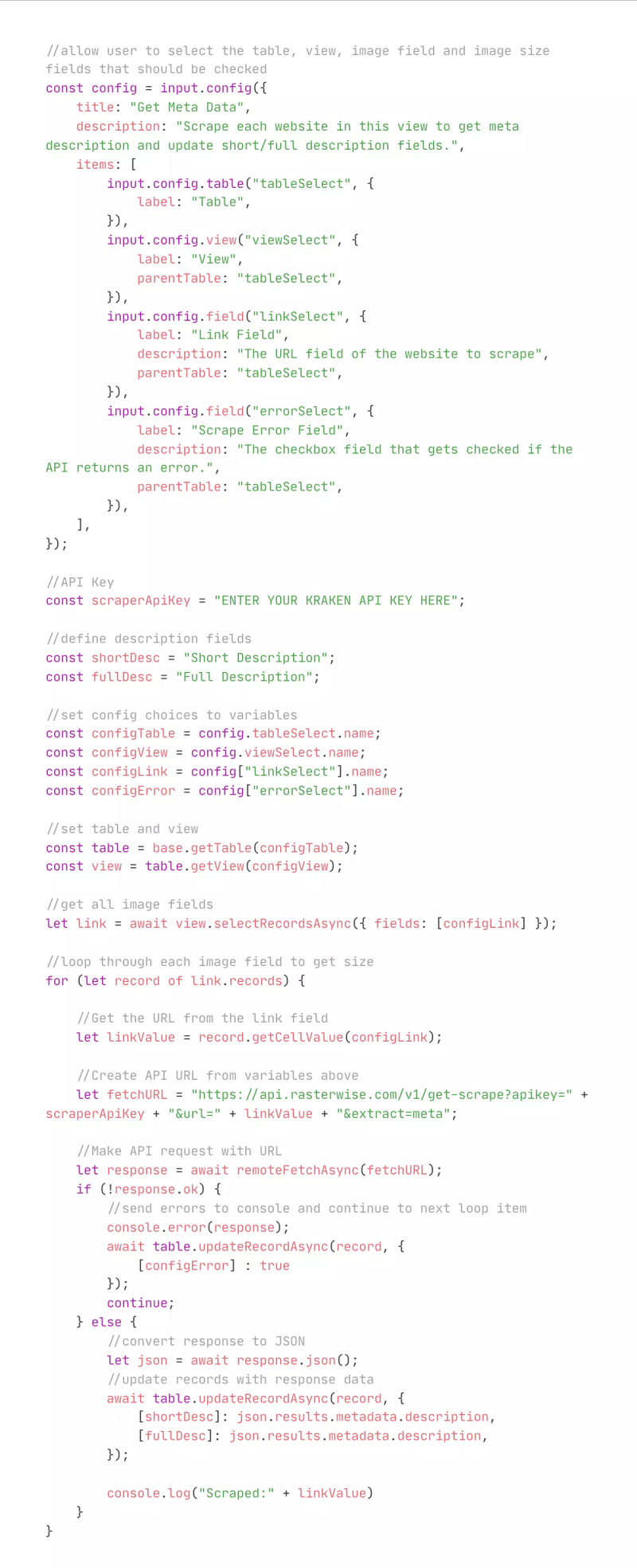
Get Website Meta Data w/ Airtable Script
1.10.23
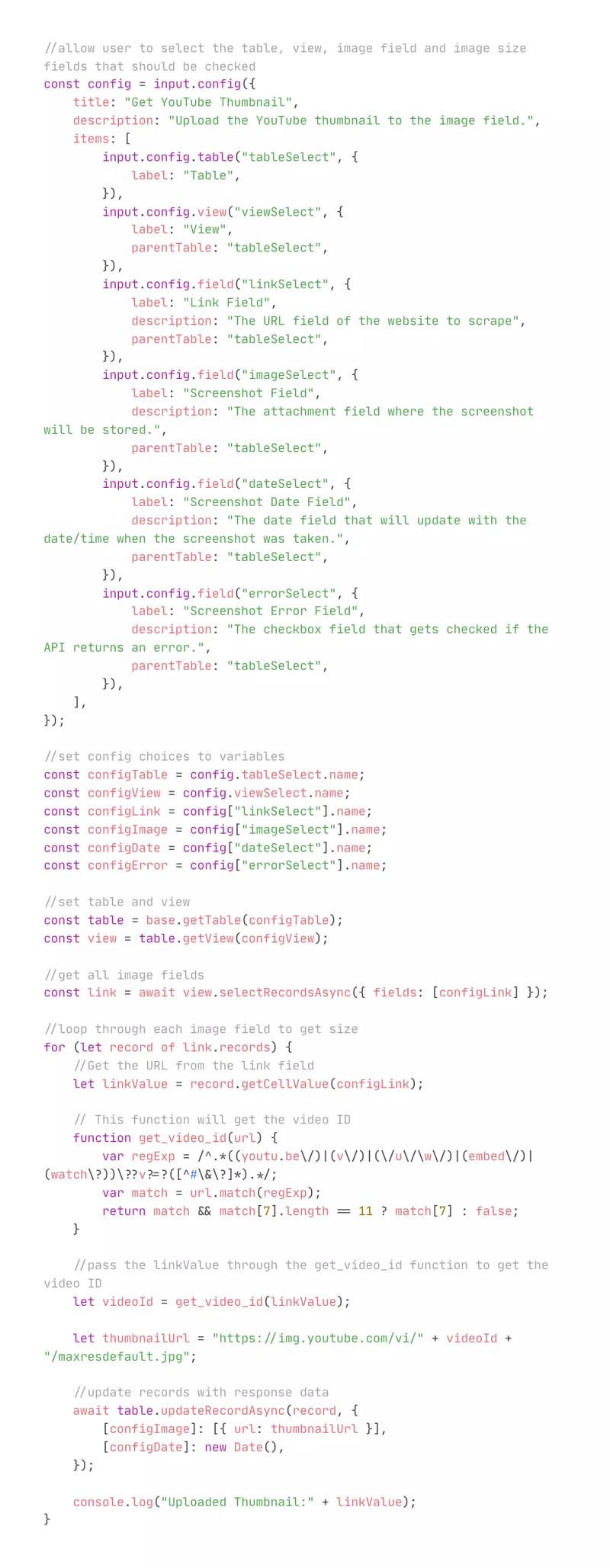
Get YouTube Thumbnails w/ Airtable Script
12.22.22
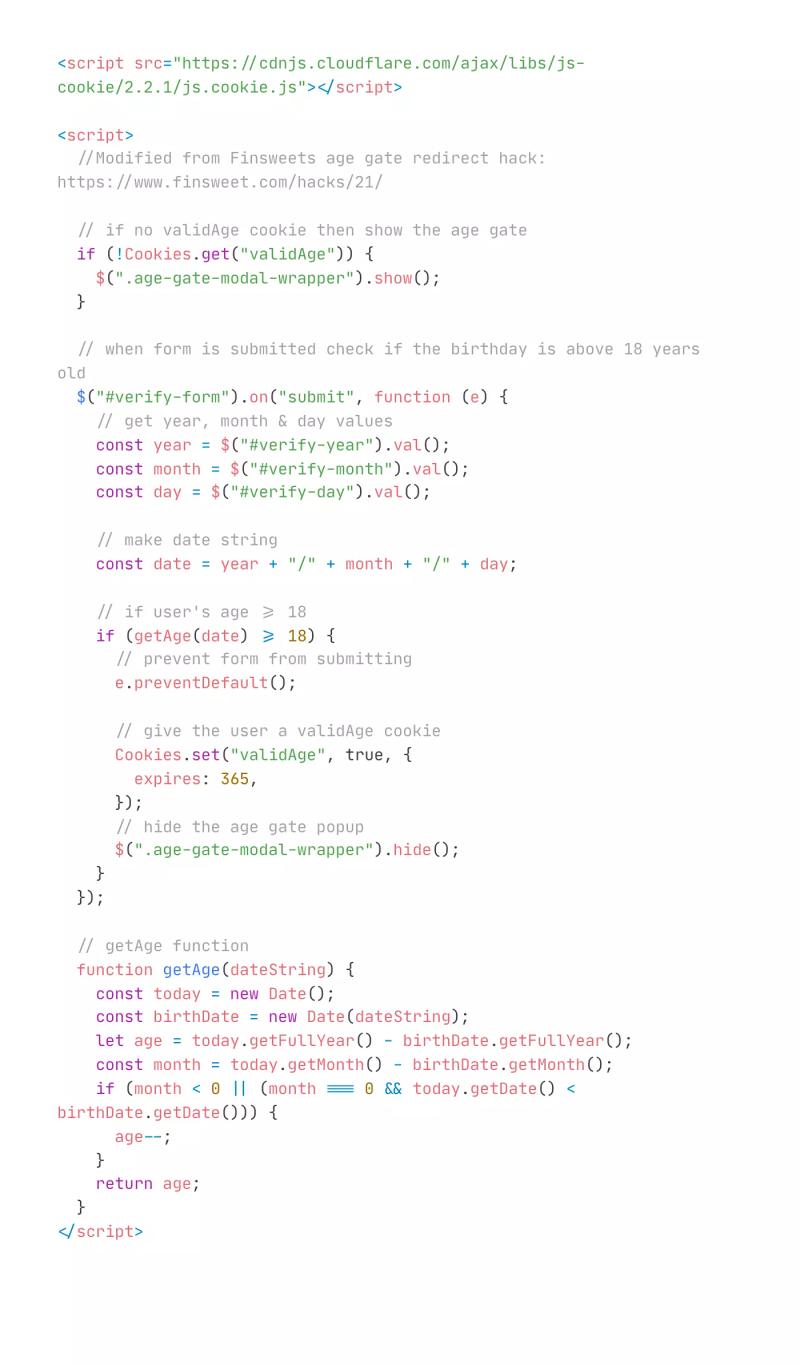
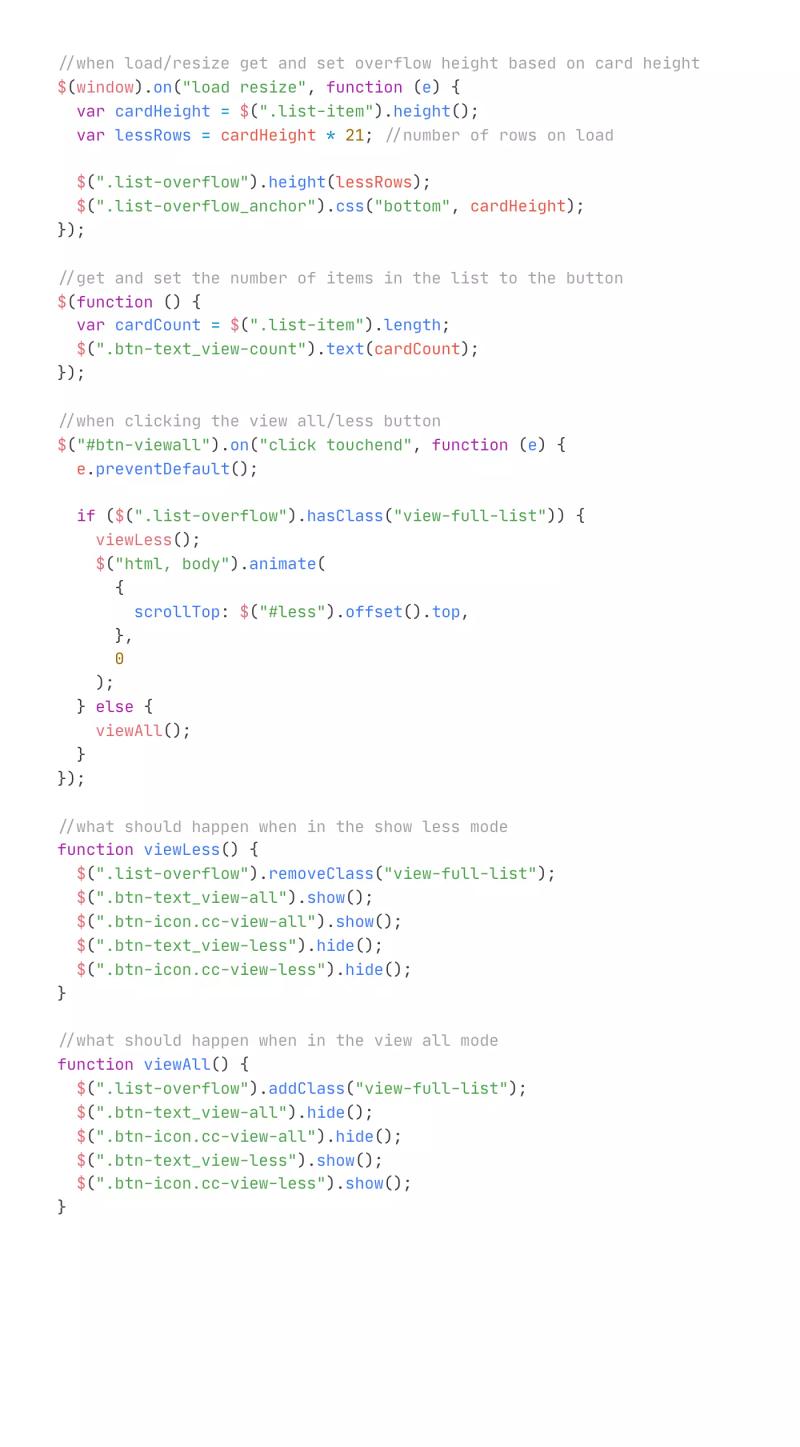
View All or Show Less List Pagination
4.11.22
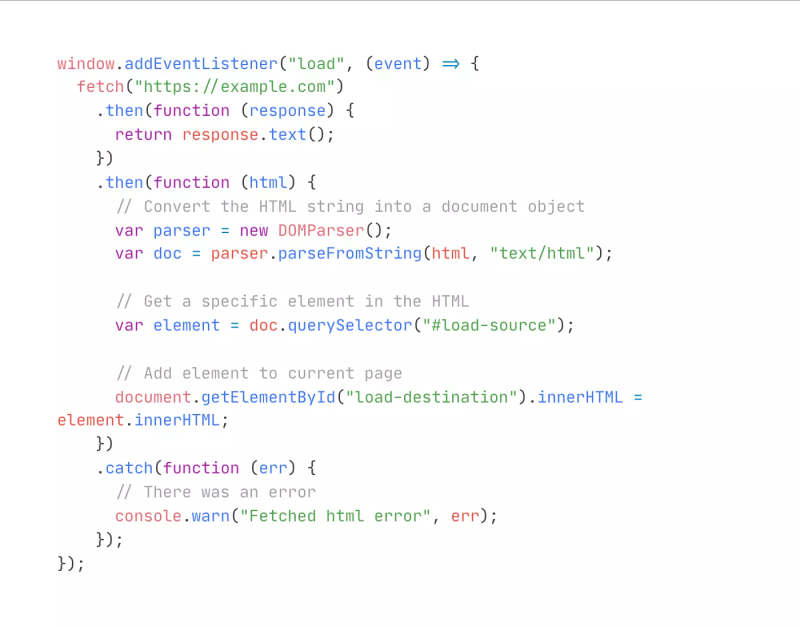
Fetch and Nest Content From Another Page
3.17.22
Subscribe for updates
Get updates on the latest curated resources and be the first to hear of new features.
SubscribeStyle, type, and motion in harmony, architectural web glory, AI your brand
When AI becomes your copilot, make sure you still know how to fly the plane.
Featured inspo

Lucas Bonomi

5Four Digital

Melike Turgut

Aardvark Book Club