Set URL From Tab Change
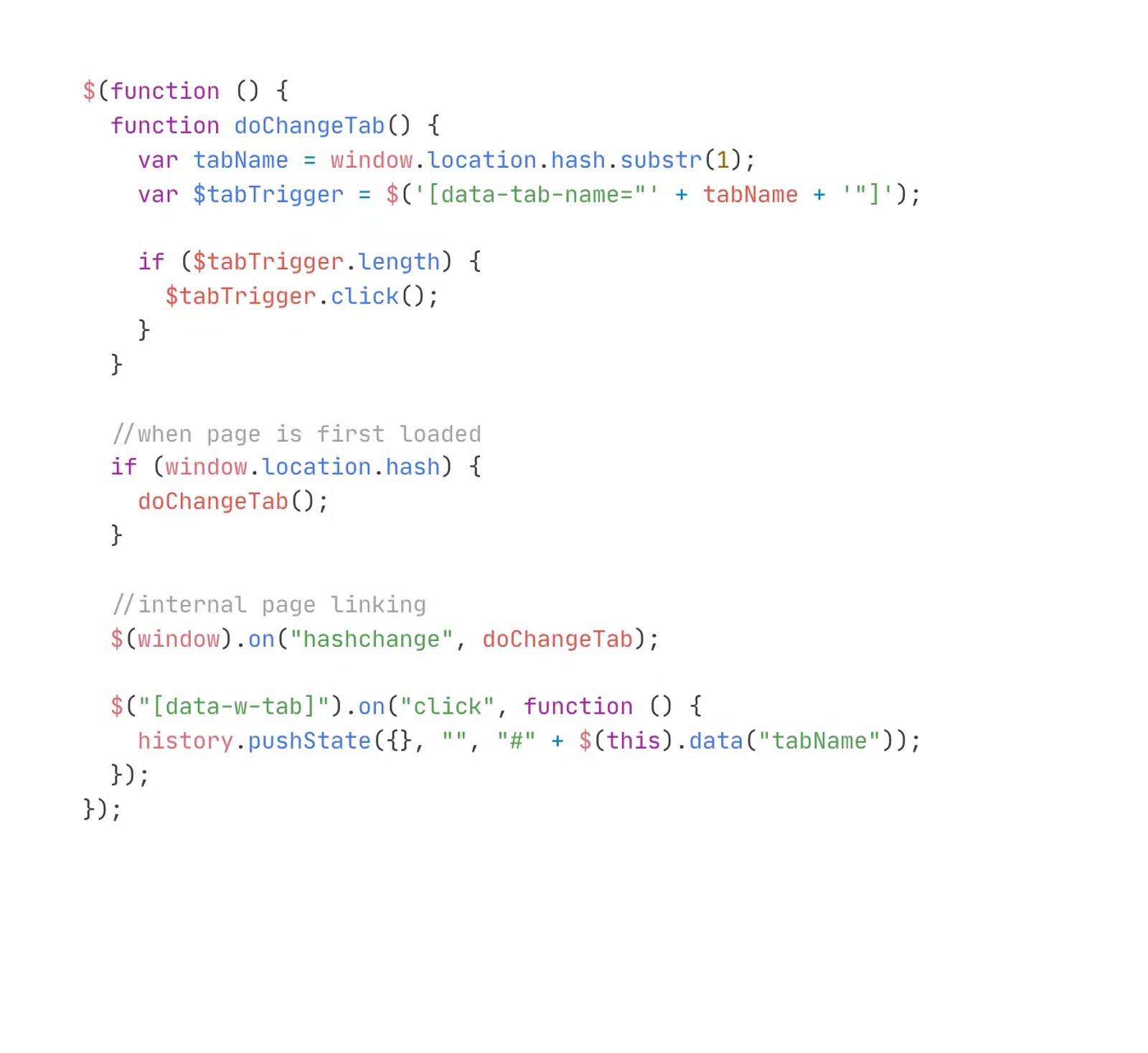
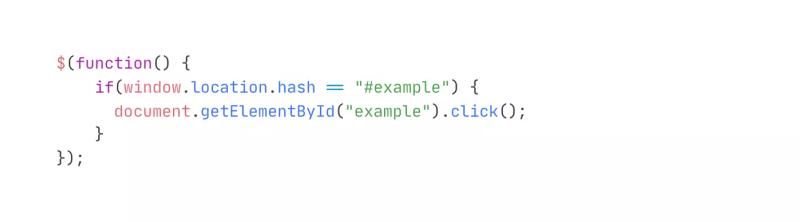
When clicking a tab in Webflow, add the name as a hash in the URL in order to also allow people to use that unique URL to load the page with that tab selected.
Set each tab name in the element settings panel for the tabs to what you want the name to be in the URL when linking to each specific tab.
The URL will use a # parameter, so it will be something like “http://example.com/#tabName%E2%80%9D where “tabName” is the name set on your tab you want open on page load.
Tags
Share this item
Have feedback or a question related to this item? Drop us some feedback!
Curated:
3.5.21
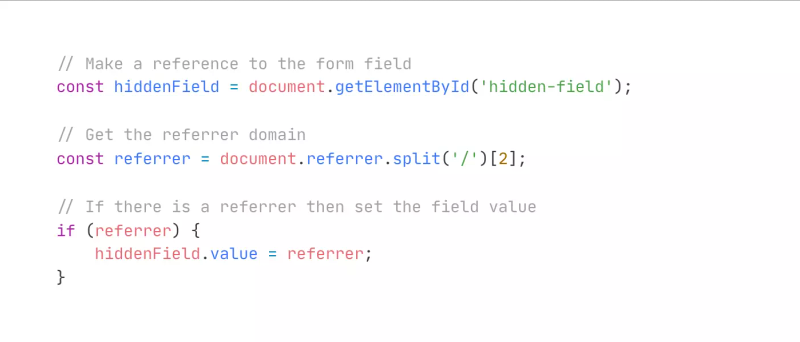
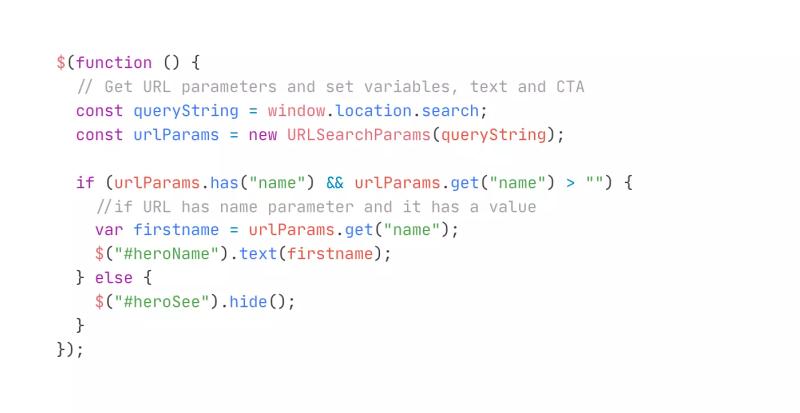
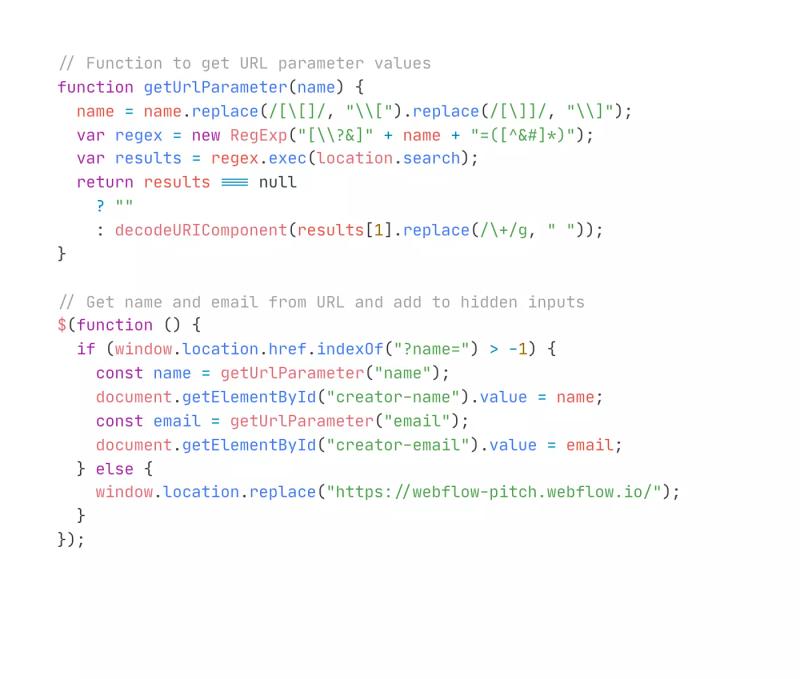
Set Hidden Input Value From URL Parameters
8.25.21

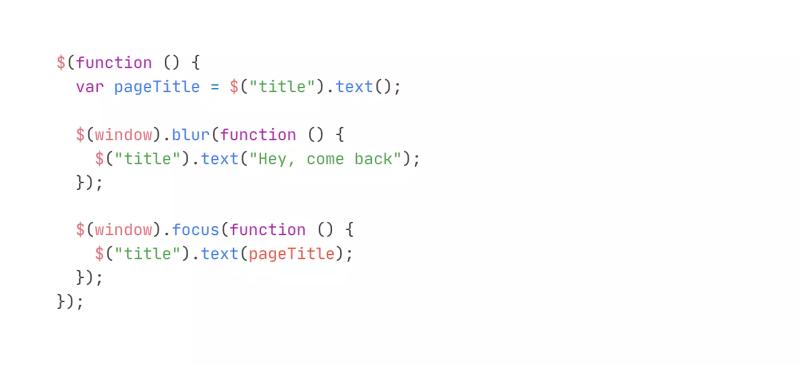
Update Page Title When Navigating Away
3.30.22
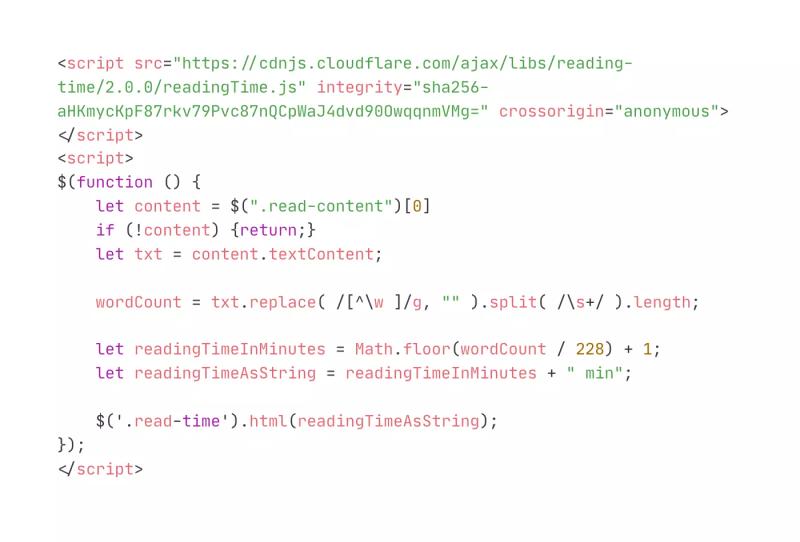
Set Reading Time on Blog/Article Page
3.24.21



Create canonical tags for Webflow native pagination
10.5.23
Subscribe for updates
Get updates on the latest curated resources and be the first to hear of new features.
SubscribeStyle, type, and motion in harmony, architectural web glory, AI your brand
When AI becomes your copilot, make sure you still know how to fly the plane.
Featured inspo
Half the Sky

Rehtrew

Bleibtgleich
Refero Styles