Dark/Light Mode Favicon Images
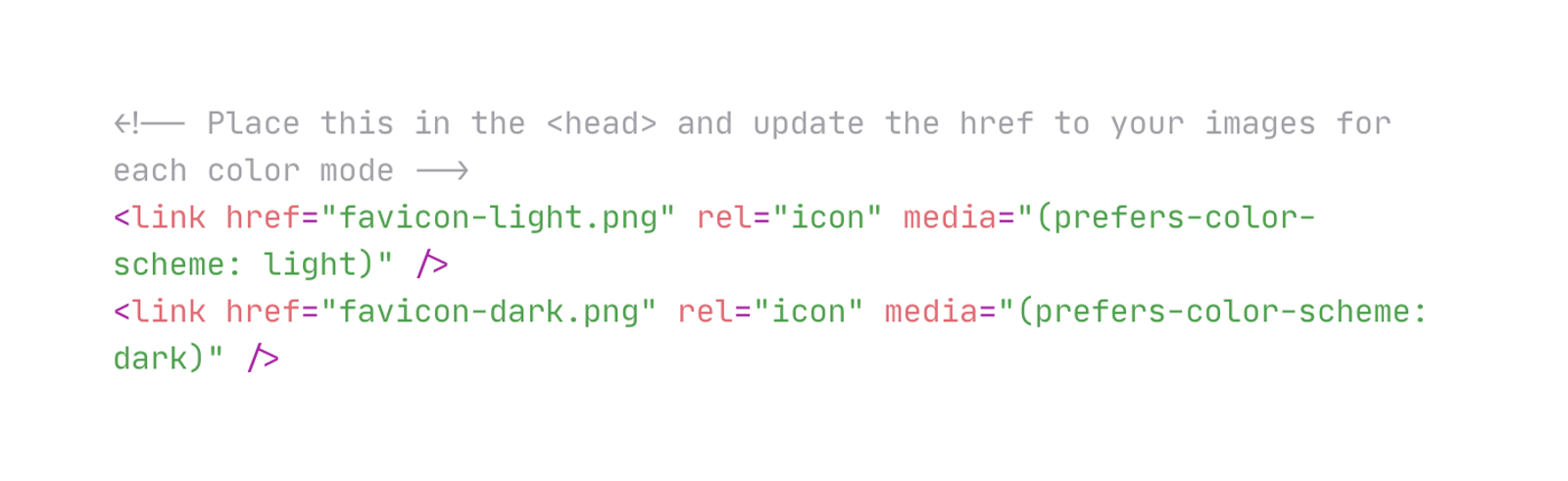
Adjust the browser favicon shown based on if the user has a dark or light theme/mode applied to their browser or device.
This is one of several ways to handle this, for more information on other ways check out this article: https://joyofcode.xyz/dark-mode-favicon
Tags
Creator
Share this item
Have feedback or a question related to this item? Drop us some feedback!
Curated:
9.12.23

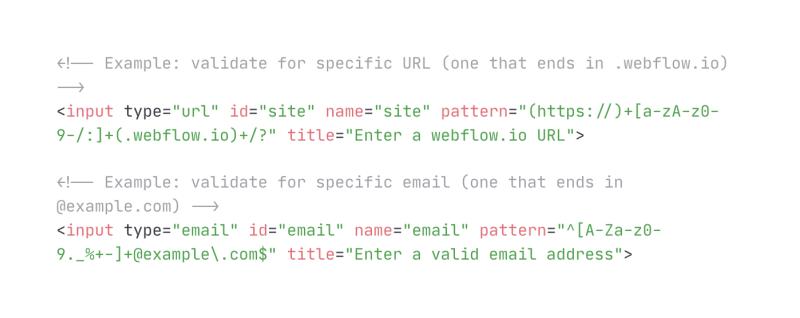
Validate HTML Inputs w/ Pattern Attribute
5.4.23

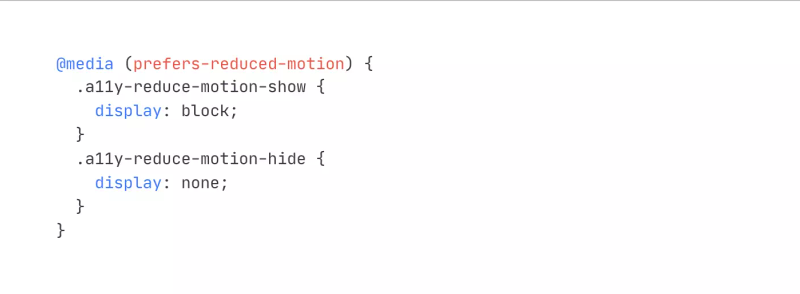
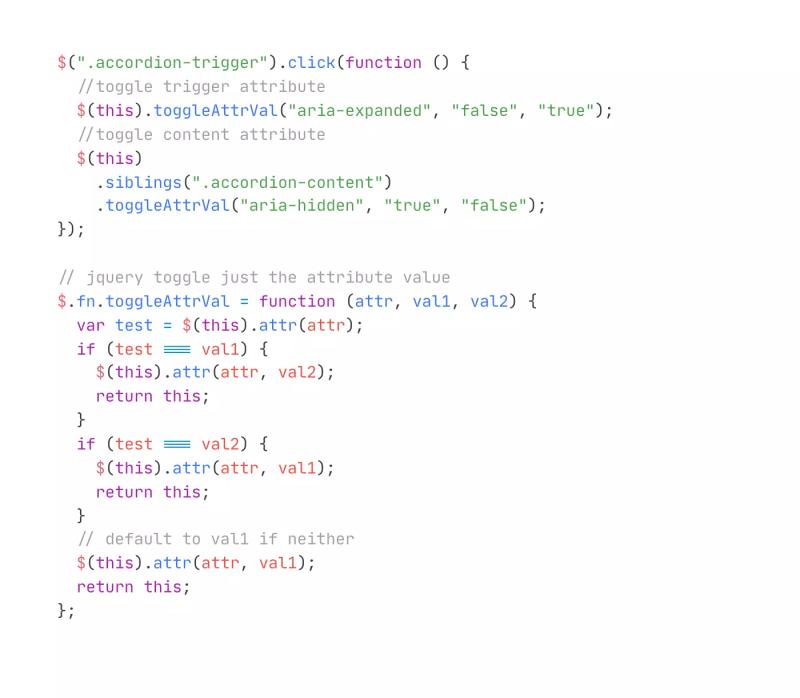
Toggle Accordion Attributes for Accessibility
3.29.21

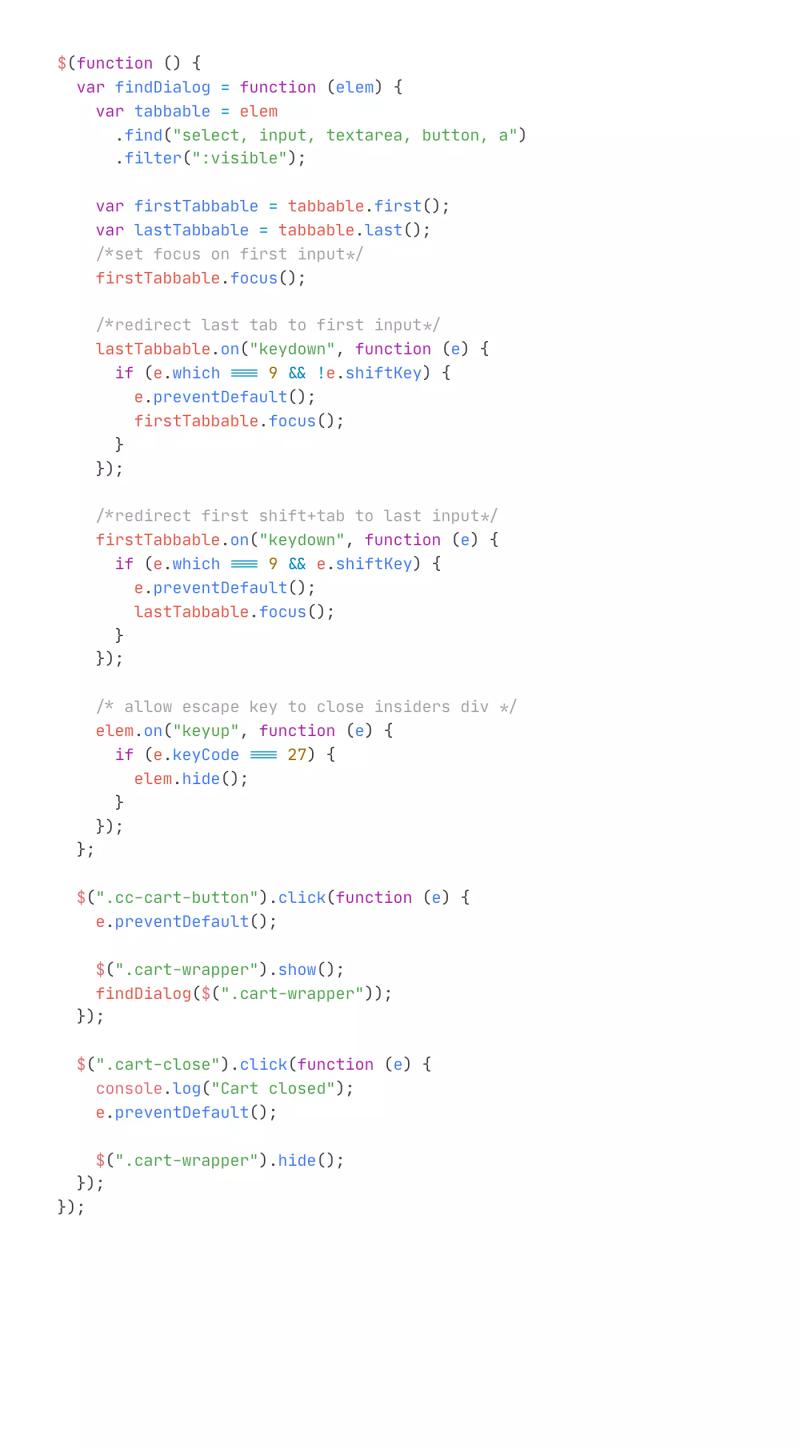
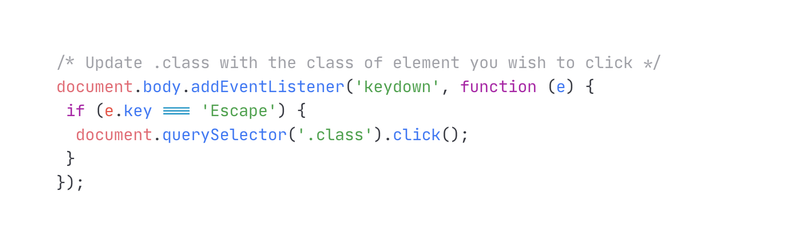
Click Something When Pressing ESC Key
12.4.19
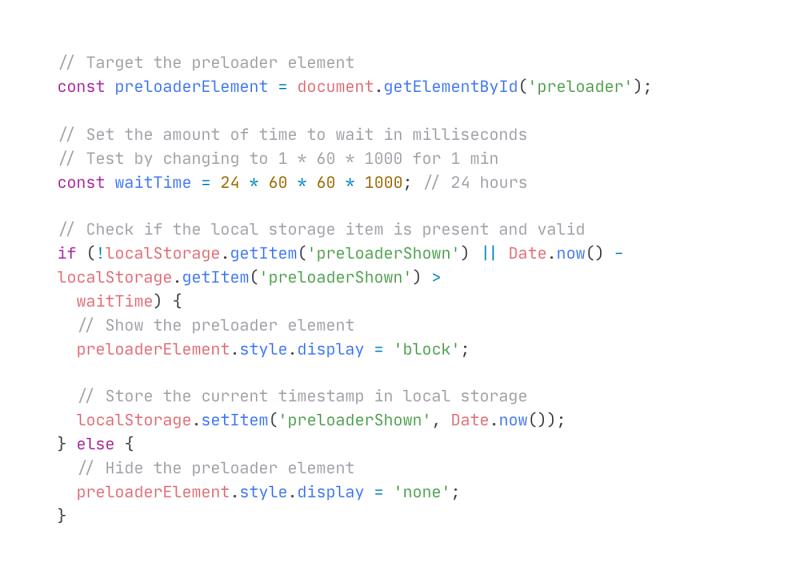



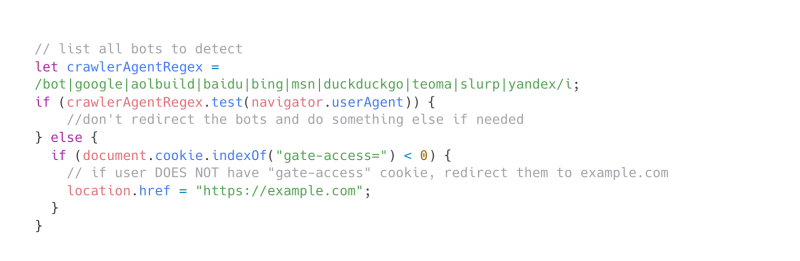
Detect and Don't Redirect Search Bots
2.28.23
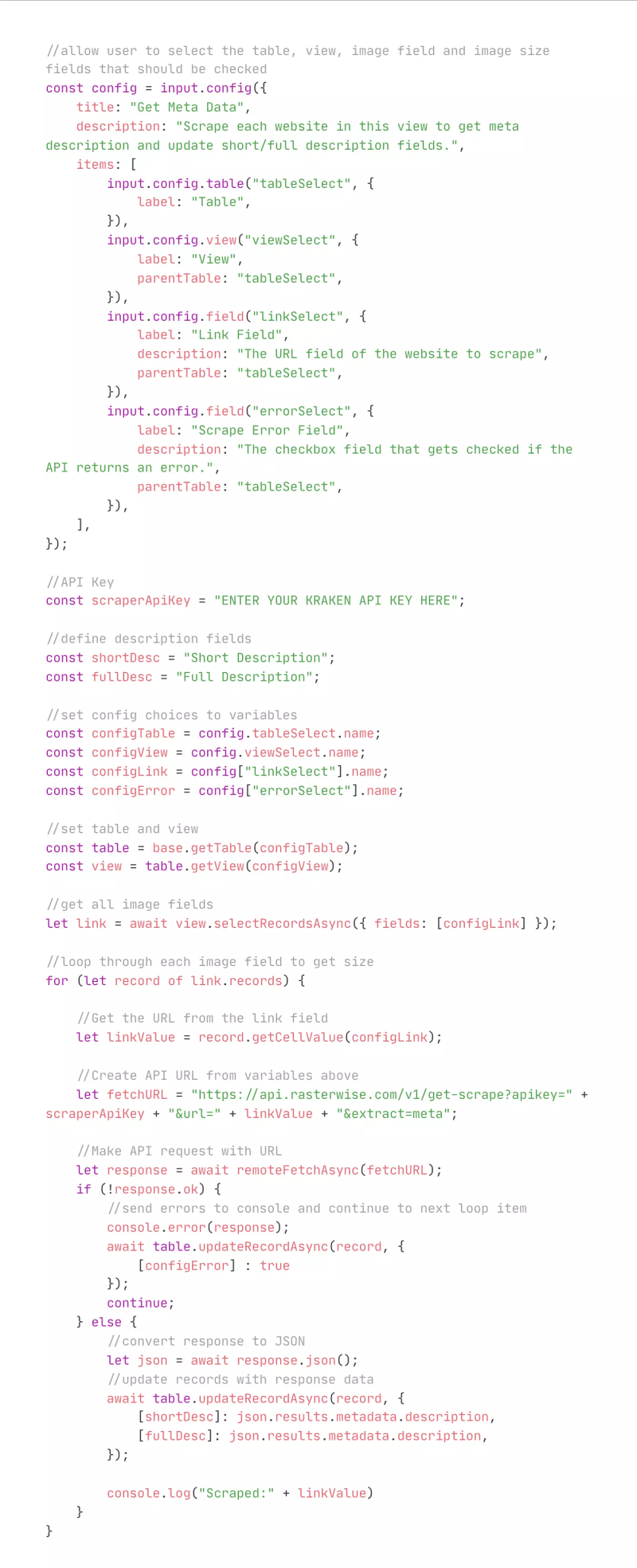
Get Website Meta Data w/ Airtable Script
1.10.23
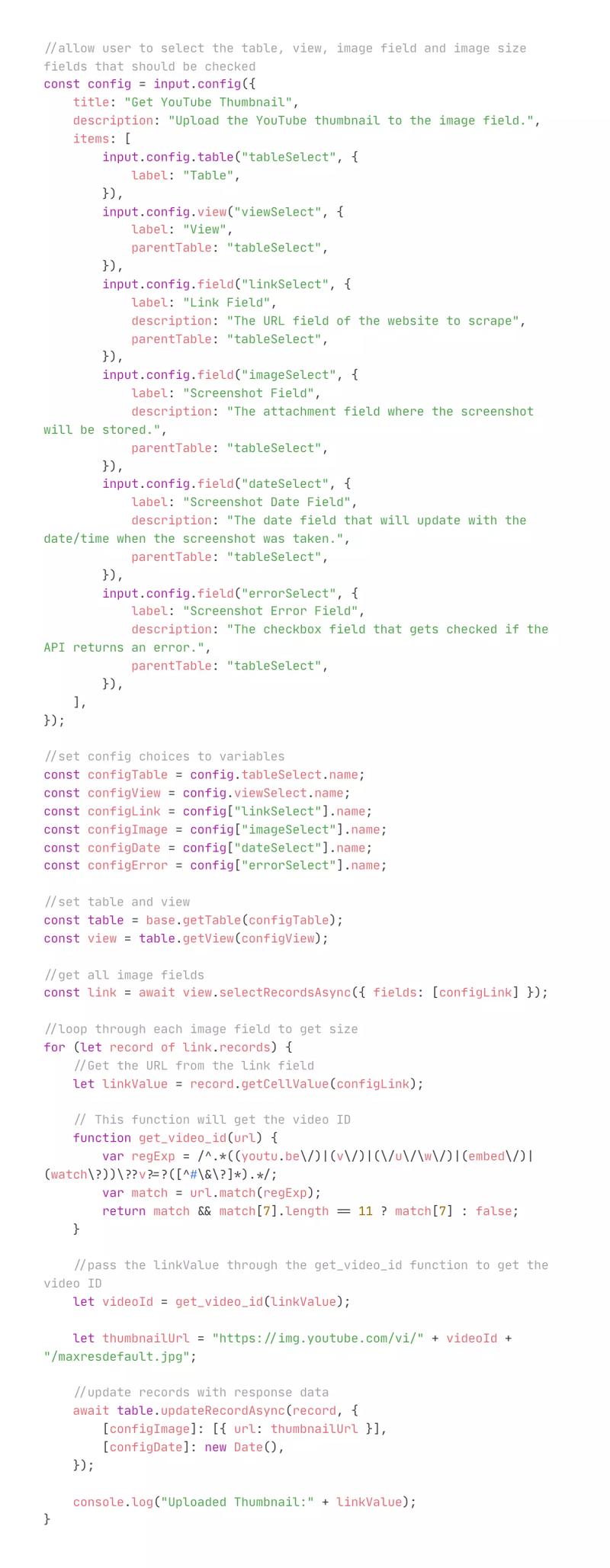
Get YouTube Thumbnails w/ Airtable Script
12.22.22
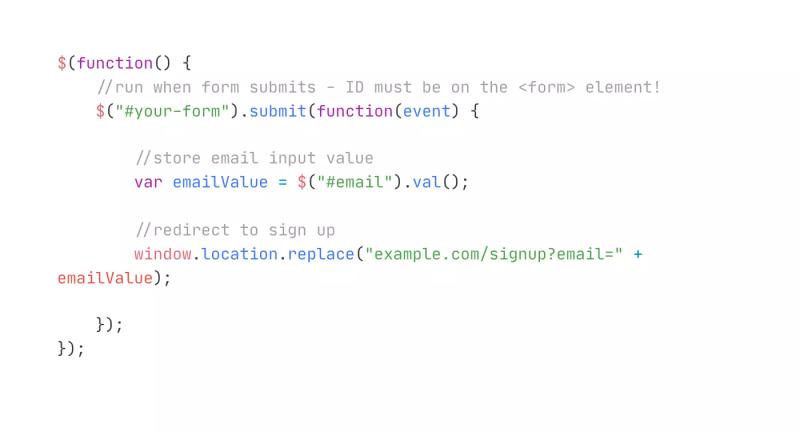
Redirect Form on Submit and Pass Input Value to URL
10.23.22
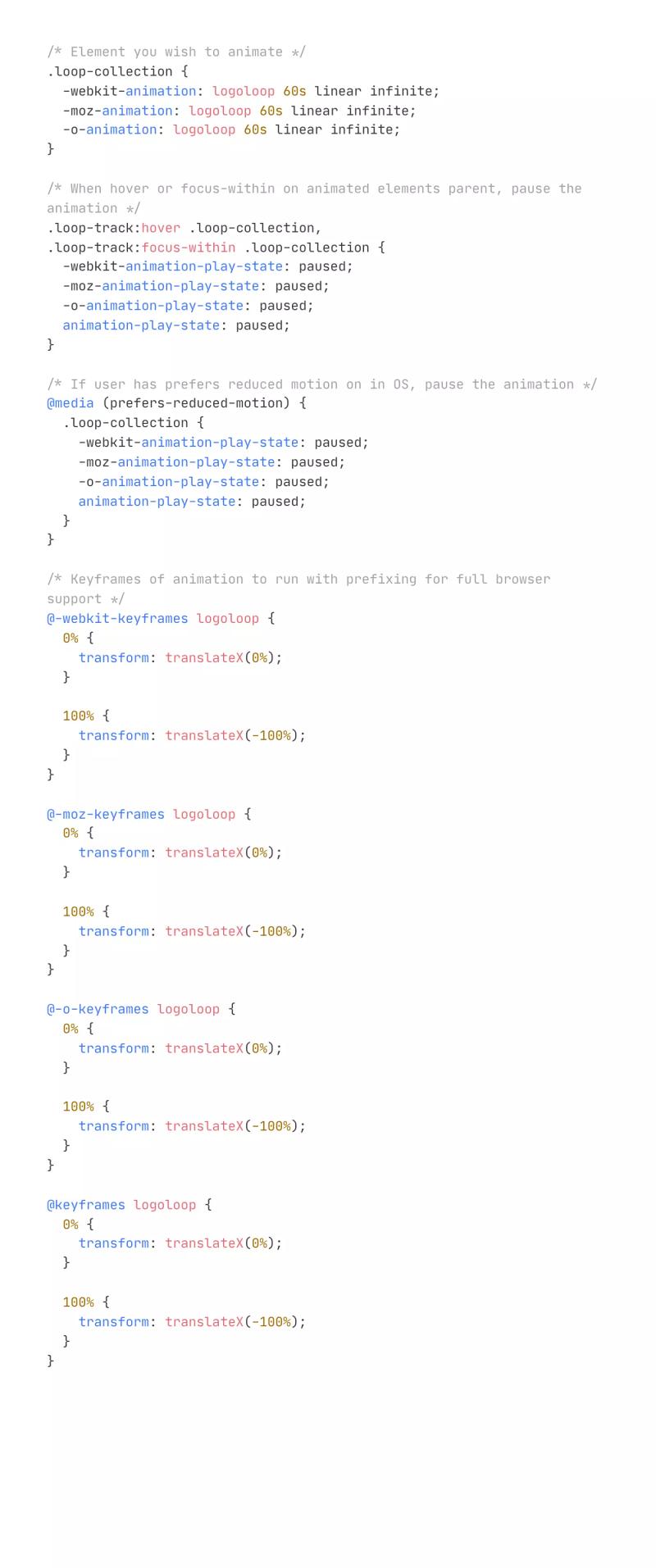
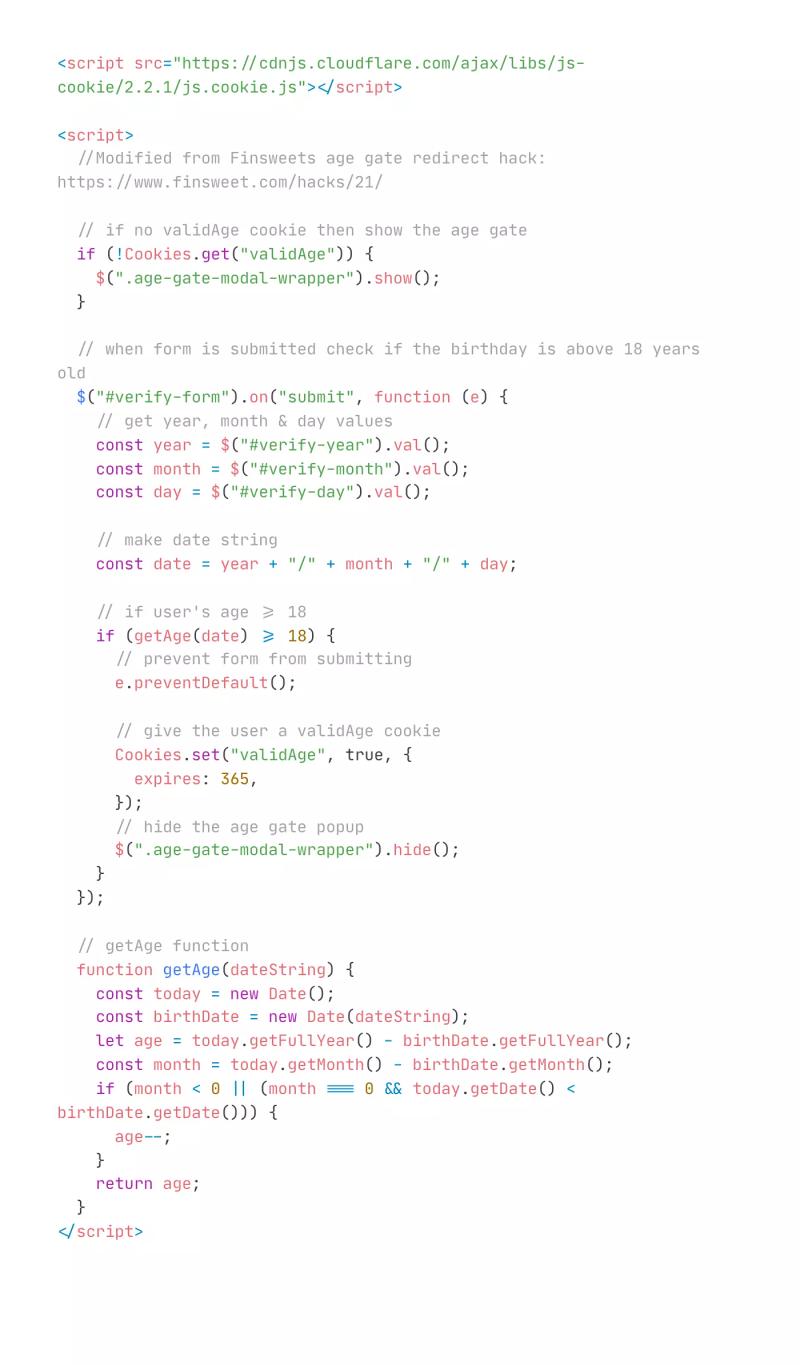
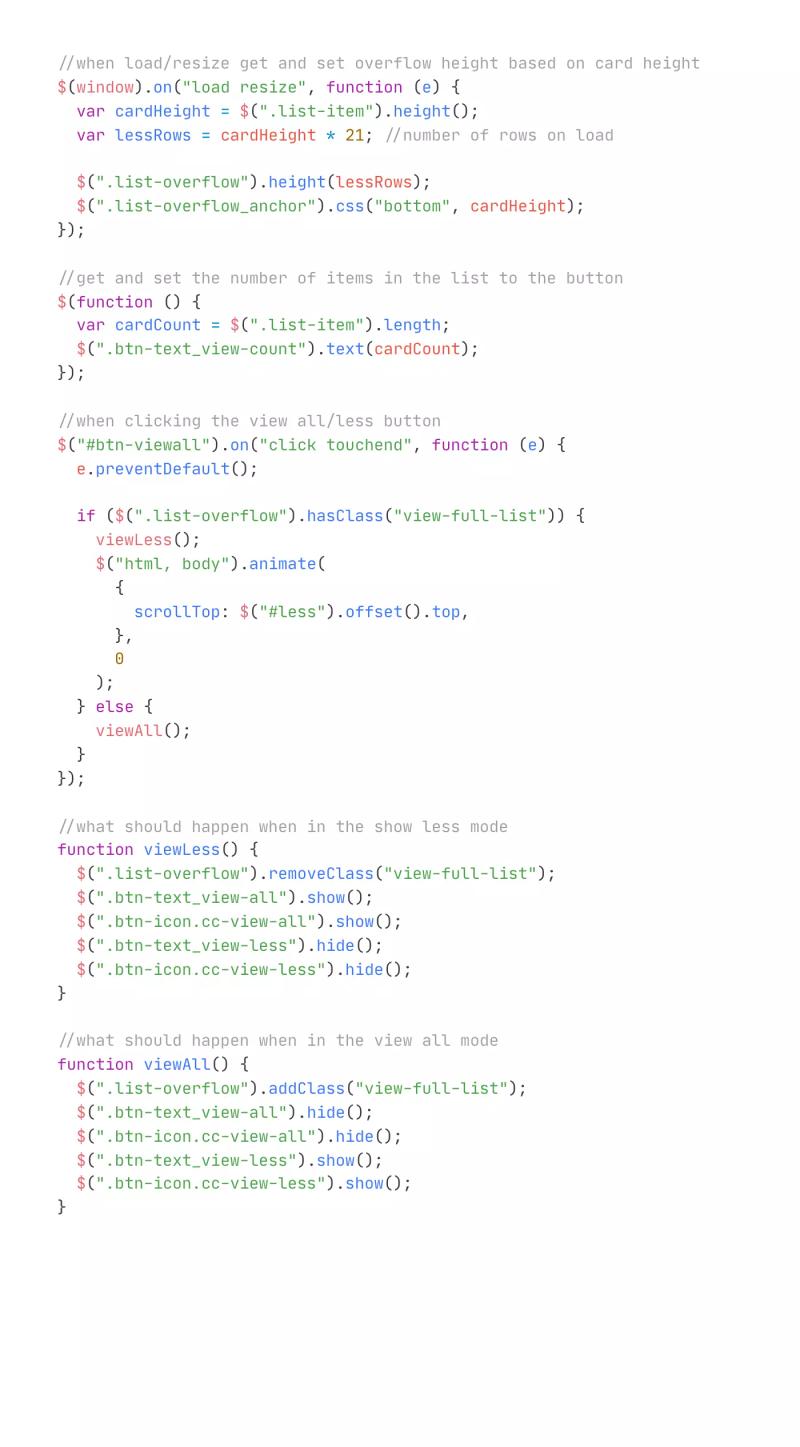
View All or Show Less List Pagination
4.11.22
Subscribe for updates
Get updates on the latest curated resources and be the first to hear of new features.
SubscribeStyle, type, and motion in harmony, architectural web glory, AI your brand
When AI becomes your copilot, make sure you still know how to fly the plane.
Featured inspo
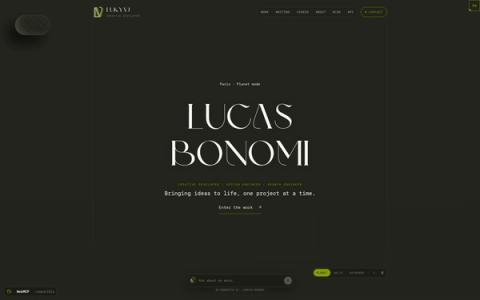
Lucas Bonomi
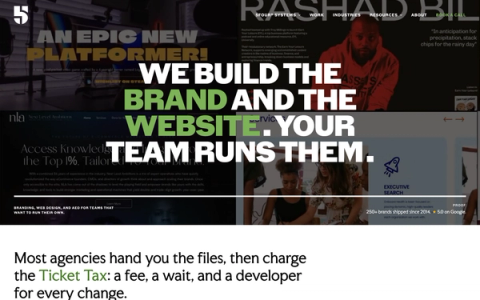
5Four Digital
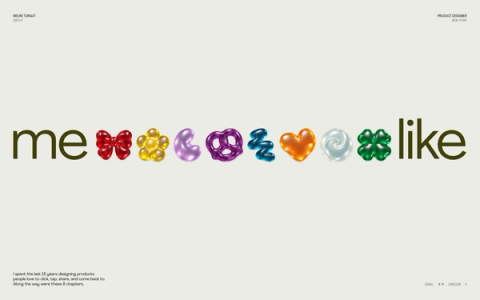
Melike Turgut
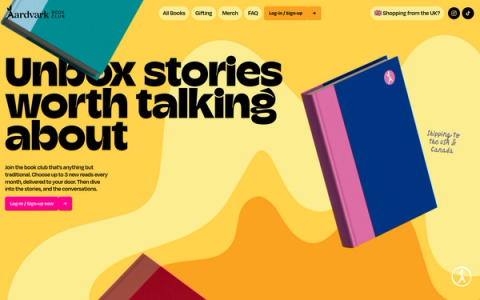
Aardvark Book Club