Resetting Apple Default Form Styles
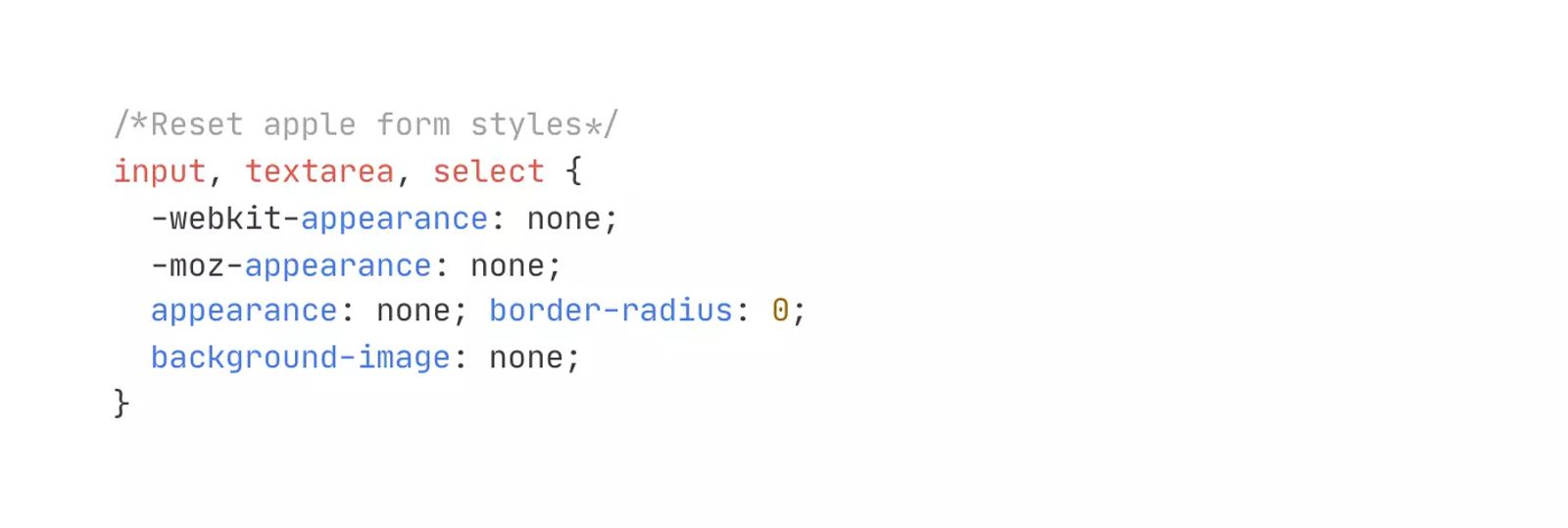
Reset the default styling on Apple iOS form inputs in order to control and style them per the brand of the site.
Tags
Share this item
Have feedback or a question related to this item? Drop us some feedback!
Curated:
12.4.19
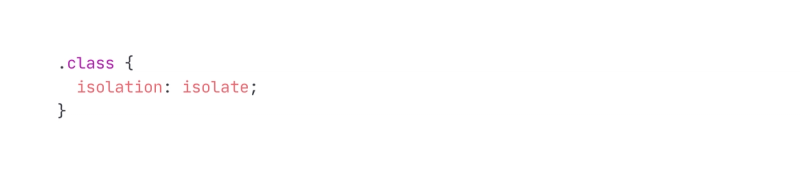
Fix Overflow Hidden and Border Radius Mobile Bug
1.2.23
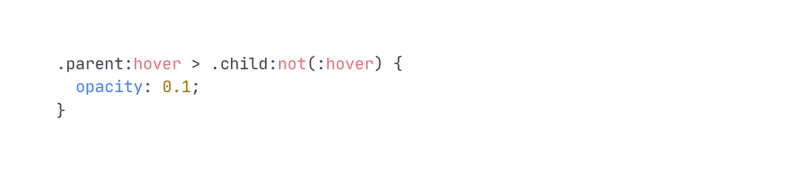
Effect All Siblings on Hover With CSS
8.30.22
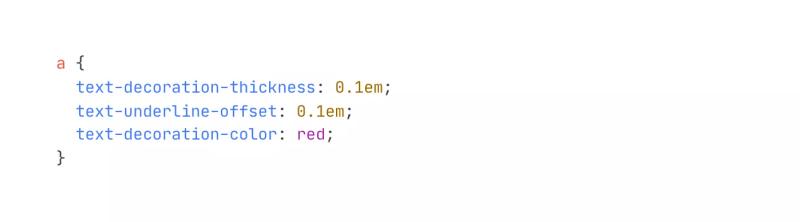
Custom Text Underline Offset, Size and Color
2.19.22

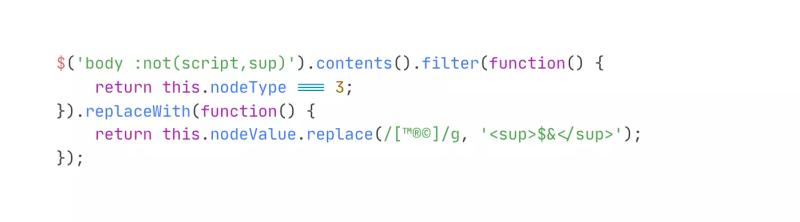
Superscript All Registered(®) Trademark Characters
7.13.20
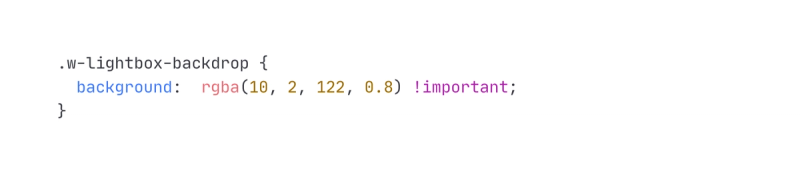
Webflow Lightbox Custom Overlay Color
2.28.20
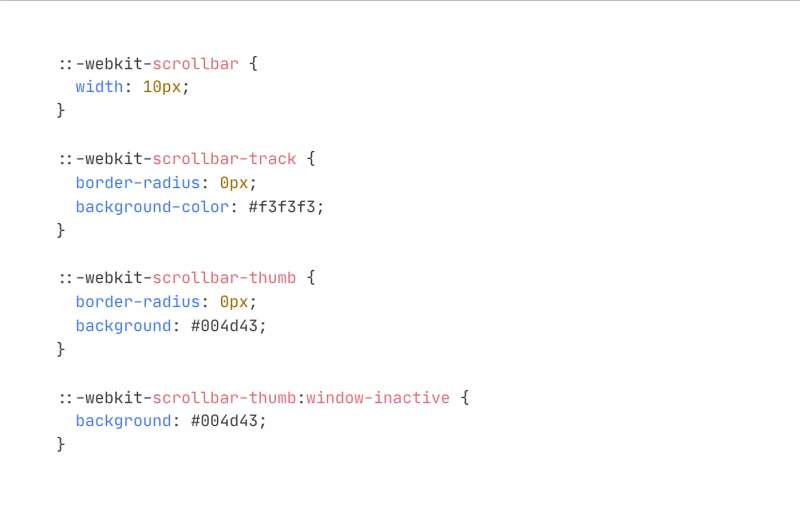
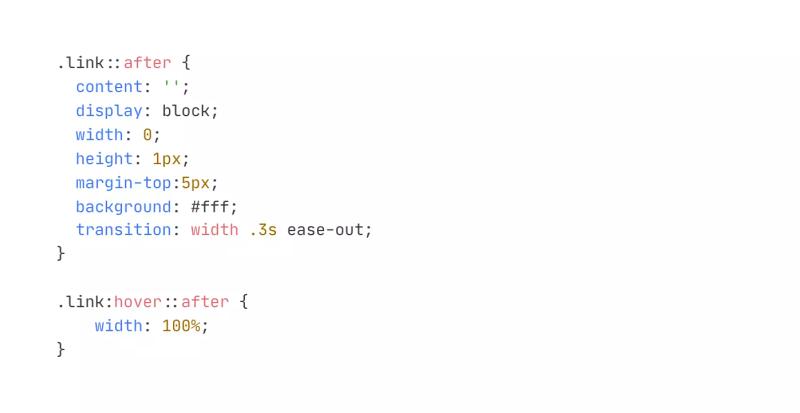
Text Bottom Border Animation on Hover
2.5.20
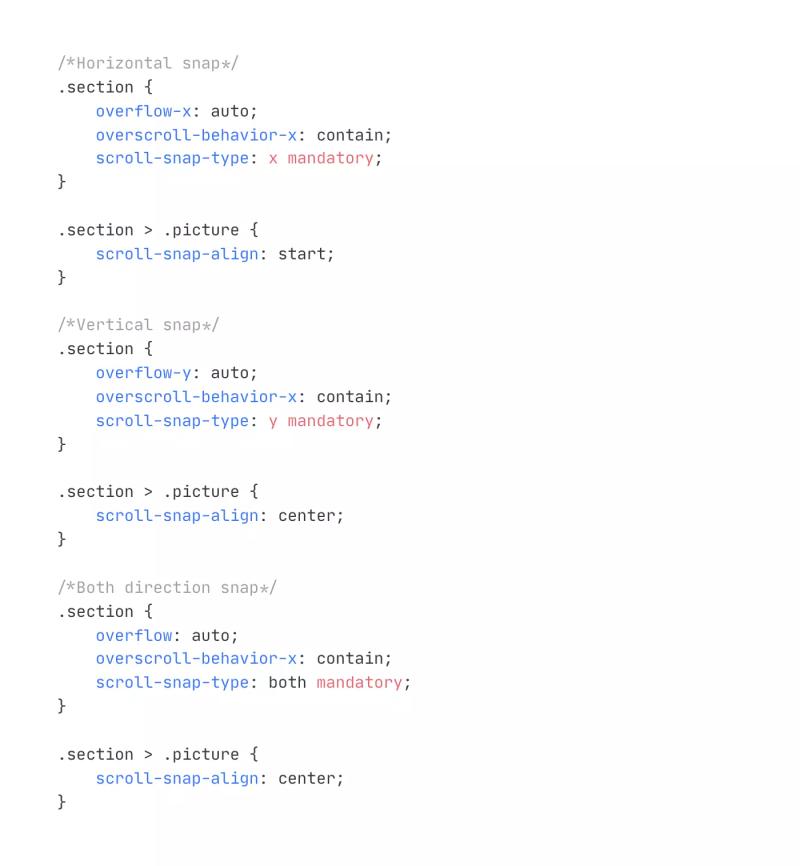
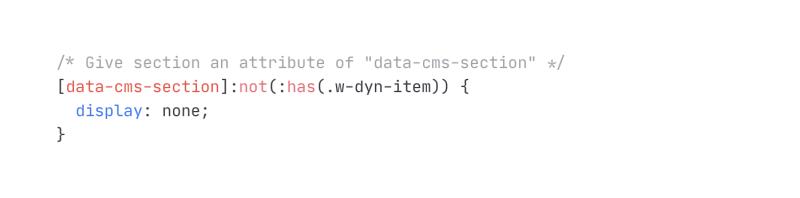
Hide Section if Child CMS Collection is Empty in Webflow
4.2.24


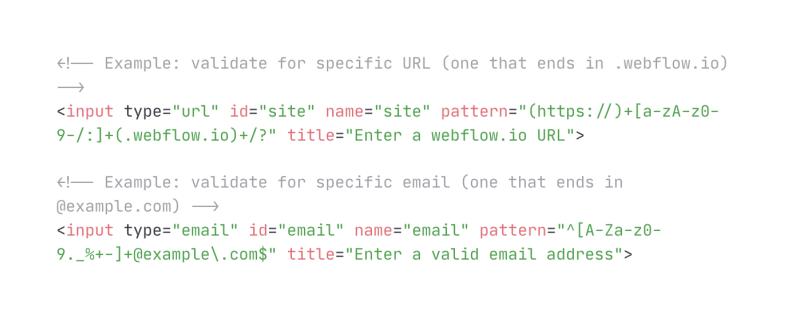
Validate HTML Inputs w/ Pattern Attribute
5.4.23
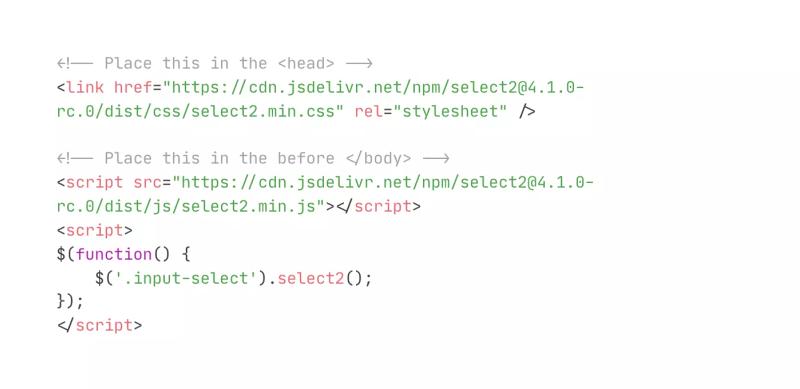
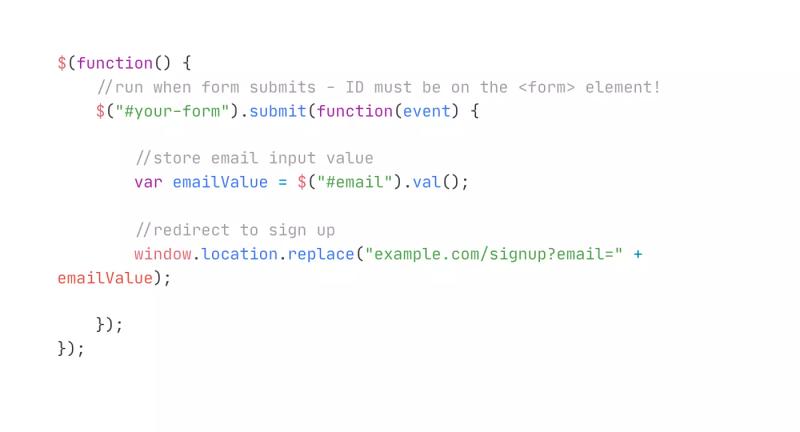
Redirect Form on Submit and Pass Input Value to URL
10.23.22
Subscribe for updates
Get updates on the latest curated resources and be the first to hear of new features.
SubscribeStyle, type, and motion in harmony, architectural web glory, AI your brand
When AI becomes your copilot, make sure you still know how to fly the plane.
Featured inspo
Half the Sky
Rehtrew
Bleibtgleich

Refero Styles