HTML <dialog> Modal
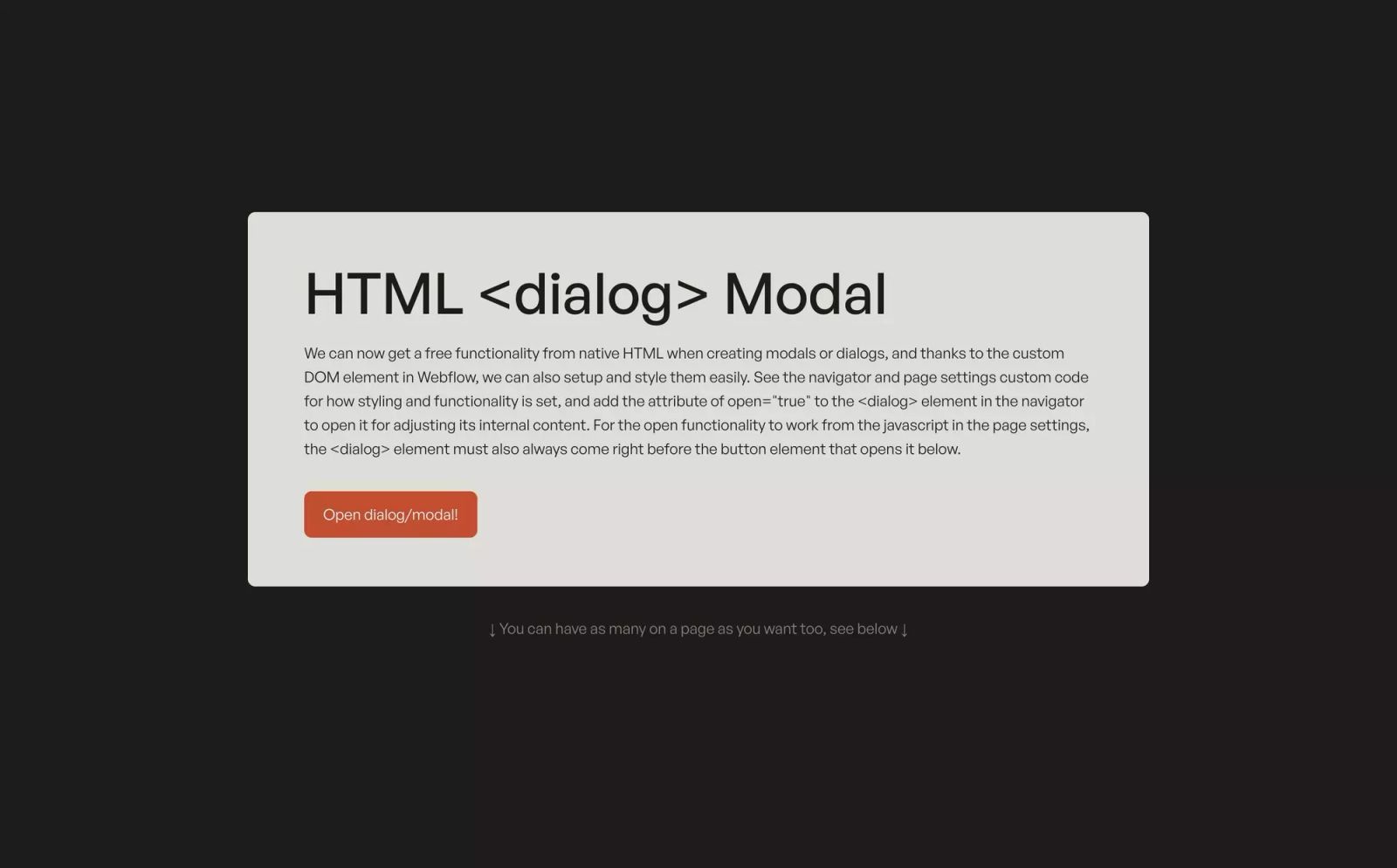
We can now get a free functionality from native HTML when creating modals or dialogs, and thanks to the custom DOM element in Webflow, we can also setup and style them easily. See the navigator and page settings custom code for how styling and functionality is set, and add the attribute of open="true" to the <dialog> element in the navigator to open it for adjusting its internal content. For the open functionality to work from the javascript in the page settings, the <dialog> element must also always come right before the button element that opens it below.
Tags
Creator
Share this item
Related items


The New Dialog HTML Element Changes Modals Forever
Have feedback or a question related to this item? Drop us some feedback!


The New Dialog HTML Element Changes Modals Forever





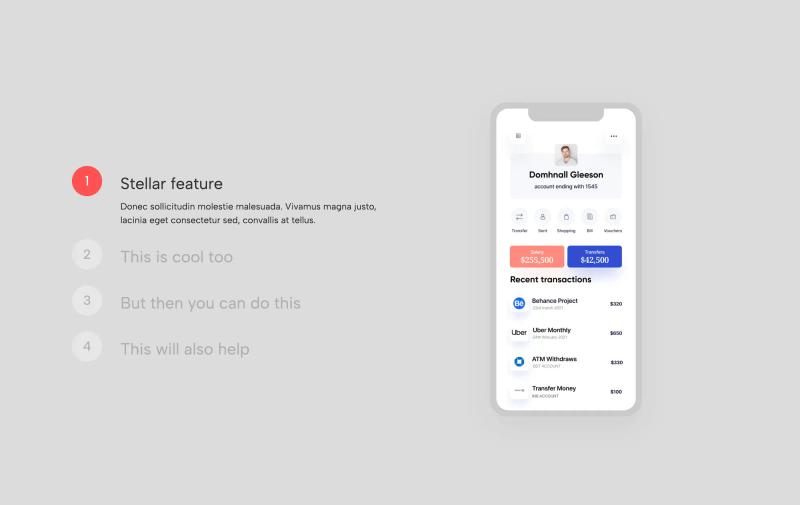



Webflow Autoplay Tabs w/ Play/Pause Button


Custom Media Player Integration with Plyr.io

How to make numbers count using Webflow interactions

Subscribe for updates
Get updates on the latest curated resources and be the first to hear of new features.
SubscribeStyle, type, and motion in harmony, architectural web glory, AI your brand
When AI becomes your copilot, make sure you still know how to fly the plane.
Featured inspo