Building a CMS Quiz in Webflow using WeBlocks
In this tutorial, we'll build an interactive CMS quiz using WeBlocks that tracks your progress and displays a success message when all questions are answered.
Tags
Share this item
Related items


Have feedback or a question related to this item? Drop us some feedback!
Curated:
8.28.22

Connect Webflow to Airtable, Mailchimp and Slack with Webflow Logic
2.4.23

Webflow Forms: Any CRM, Totally Customized
11.2.22

Using Airtable to power the data on your Webflow site
8.28.22




JavaScript Inside Webflow Components
8.11.24

Control Rive animation in Webflow using GSAP
7.12.24
How to make numbers count using Webflow interactions
3.20.24
How to make text responsive with clamp
2.27.24


Color Scroll Interaction With Webflow Variables
12.17.23


Animate a Video With Native Webflow Interactions
11.28.23

Dark Mode Toggle With Webflow Variables
11.28.23

A New Framework for Color in Webflow
5.11.23

Add interactivity to your Webflow sites with Rive
1.7.23

Build a Buzzfeed Style Quiz in Webflow
11.28.22

Custom multi-select field in Webflow Form
9.7.22

Three Tips for Using Custom Code in Webflow
8.28.22

Subscribe for updates
Get updates on the latest curated resources and be the first to hear of new features.
SubscribeStyle, type, and motion in harmony, architectural web glory, AI your brand
When AI becomes your copilot, make sure you still know how to fly the plane.
Featured inspo
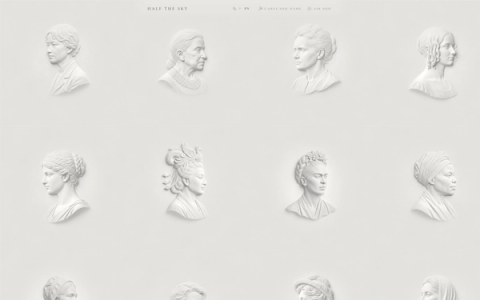
Half the Sky

Rehtrew
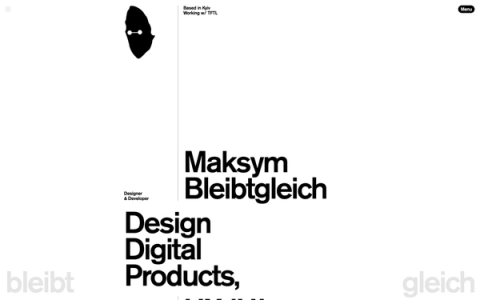
Bleibtgleich

Refero Styles