Remove HTML Tags From Webflow CMS Rich Text Export
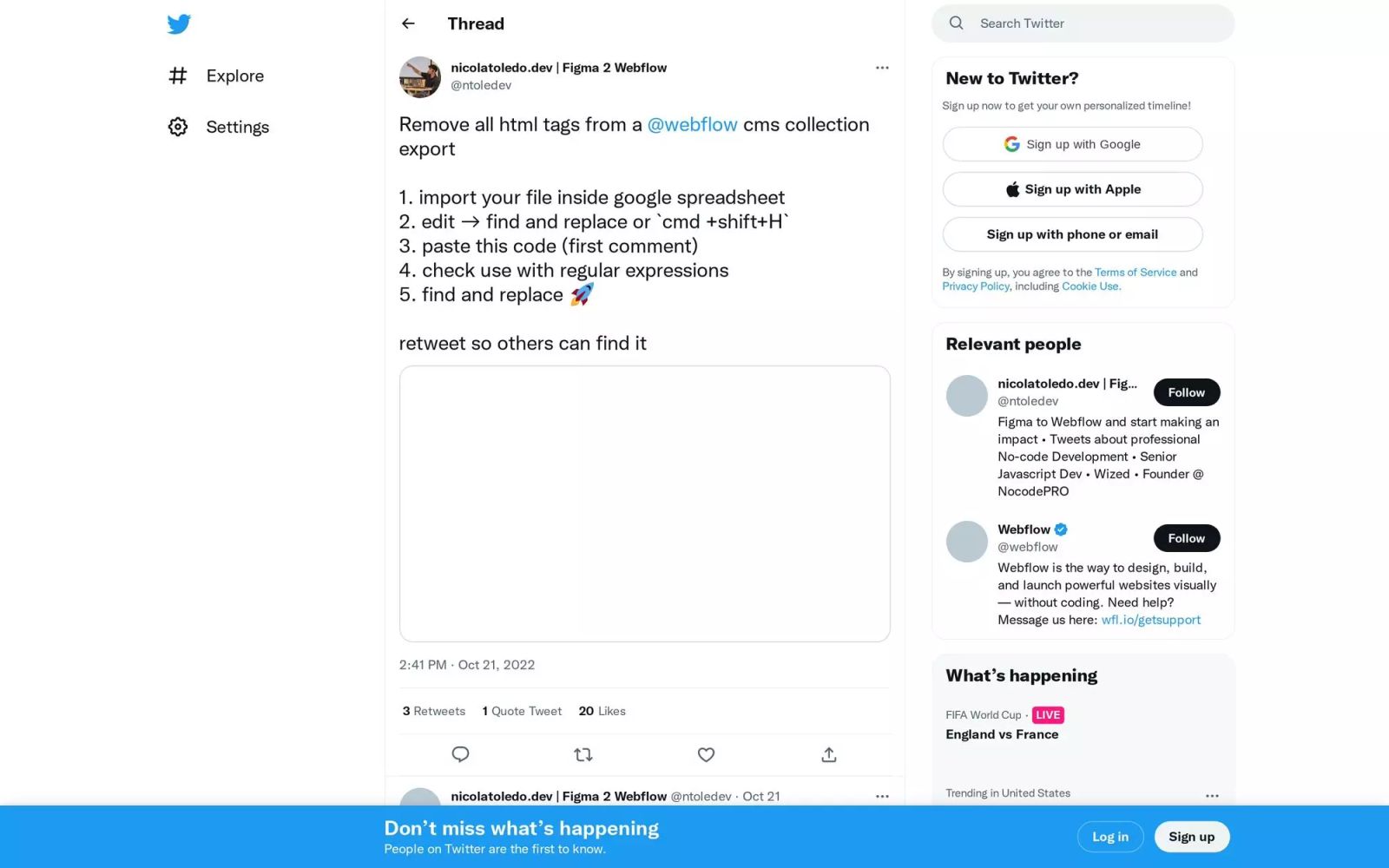
How to remove all html tags from a Webflow cms collection export:
- import your file inside google spreadsheet
- edit → find and replace or `cmd +shift+H`
- paste the code below
- check use with regular expressions
- find and replace 🚀
Code:
<((?=!\-\-)!\-\-[\s\S]*\-\-|((?=\?)\?[\s\S]*\?|((?=\/)\/[^.\-\d][^\/\]'"[!#$%&()*+,;<=>?@^`{|}~ ]*|[^.\-\d][^\/\]'"[!#$%&()*+,;<=>?@^`{|}~ ]*(?:\s[^.\-\d][^\/\]'"[!#$%&()*+,;<=>?@^`{|}~ ]*(?:=(?:"[^"]*"|'[^']*'|[^'"<\s]*))?)*)\s?\/?))>
Tags
Share this item
Related items


Have feedback or a question related to this item? Drop us some feedback!
Curated:
10.22.22



Google Drive Direct Links for CMS Import
2.26.21



Export Webflow 301 Redirects as CSV
11.20.22

Webflow Component Copy/Paste Data Process
6.21.22

Control Webflow native slider with arrow keys
12.3.19

Parabola and Webflow: Automatically feature your most popular blog post
12.3.19

Reset a form to original after successful submission - Publishing Help / Custom Code - Webflow Forums
12.3.19

Print Page Button - Resources / Tips, Tricks & Tutorials - Webflow Forums
12.3.19

Linking to Specific Tab from another Link or Button
12.3.19

Slider start from slide # - Publishing Help / Custom Code - Webflow Forums
12.3.19


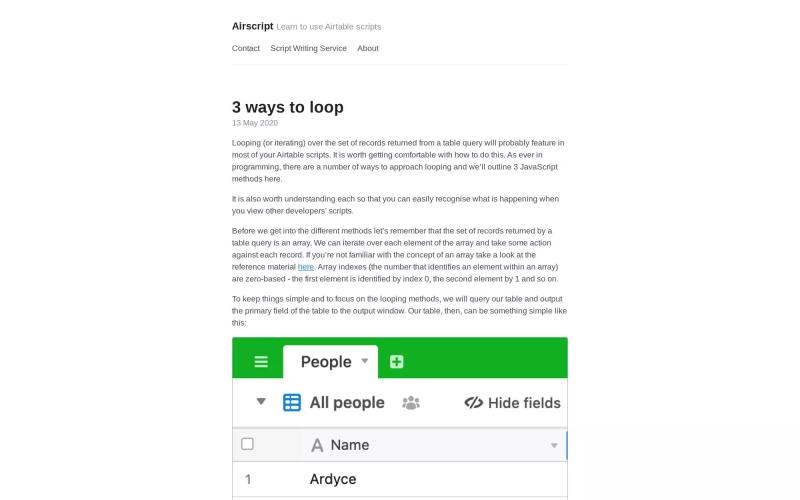
3 Ways to Loop Through Records w/ Airtable Scripts
10.10.22
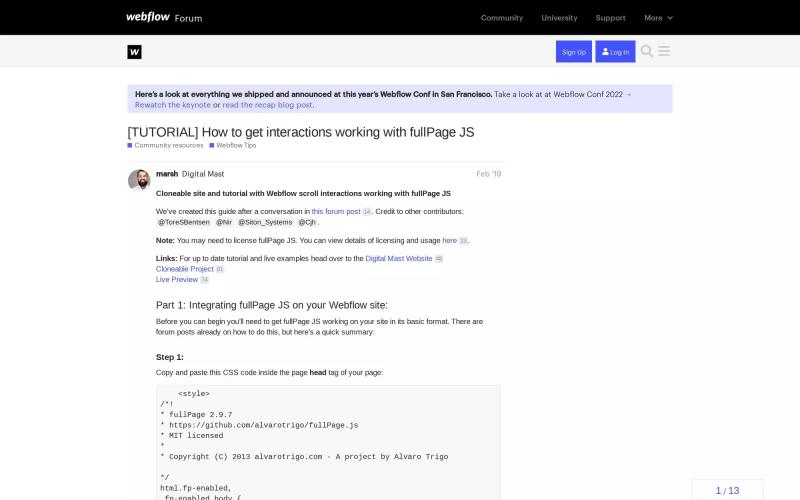
How to get interactions working with fullPage JS
12.3.19
Subscribe for updates
Get updates on the latest curated resources and be the first to hear of new features.
SubscribeStyle, type, and motion in harmony, architectural web glory, AI your brand
When AI becomes your copilot, make sure you still know how to fly the plane.
Featured inspo

Lucas Bonomi

5Four Digital

Melike Turgut

Aardvark Book Club