Clip Path Bae Webflow App
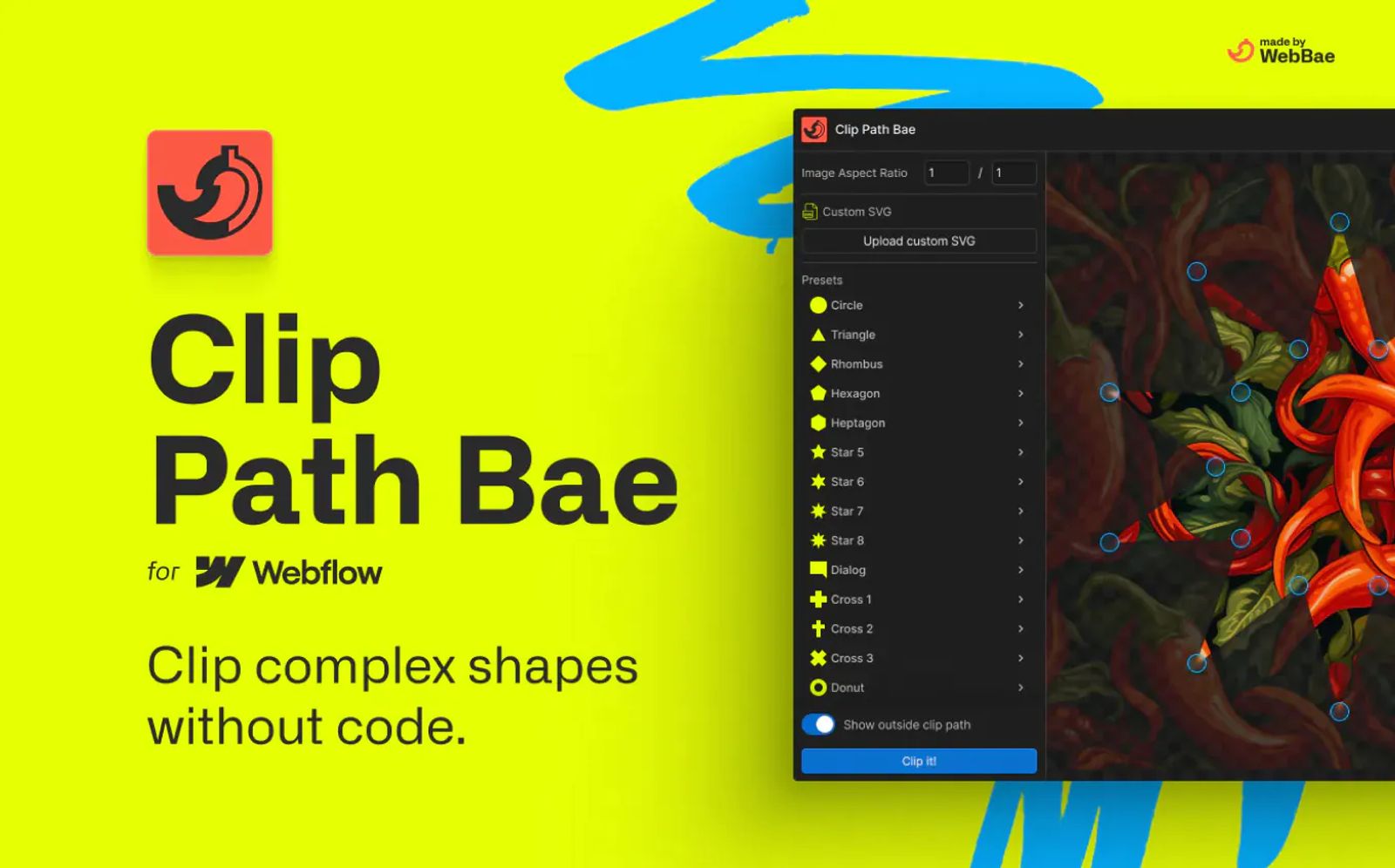
Clip Path Bae is a tool for adding ready-built clip paths to your website assets, including CSS polygon, ellipse, and circle functions. In addition, you can upload your own SVG exported from software like Figma or Illustrator.
Clip Path Bae automatically translates your SVG paths from absolute coordinates to relative coordinates and normalizes them, such that they are fully responsive to any image dimension as specified by you! You can even use SVG with multiple paths to create unique designs.
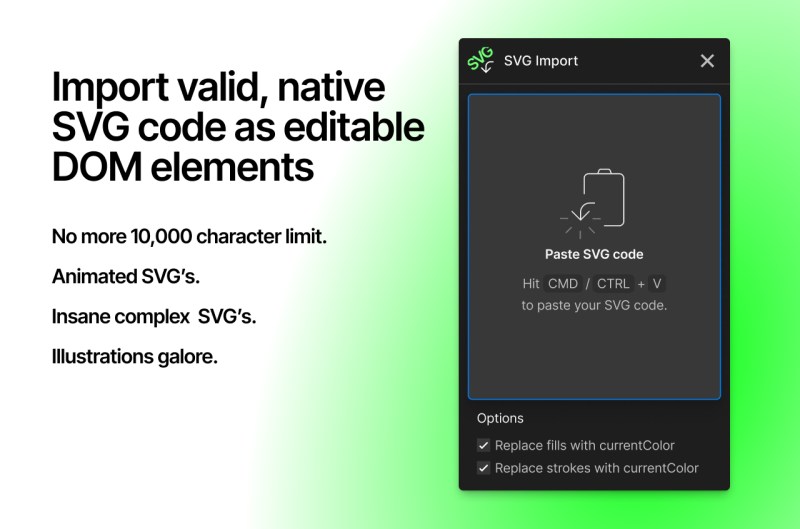
The custom SVG option works by inserting an SVG in your project as hidden DOMElements which are referenced by your selected asset with a custom clip-path attribute that with a URL value pointing to an element with an id of your SVG filename.
Tags
Industries
Share this item
Related items

Have feedback or a question related to this item? Drop us some feedback!















Subscribe for updates
Get updates on the latest curated resources and be the first to hear of new features.
SubscribeStyle, type, and motion in harmony, architectural web glory, AI your brand
When AI becomes your copilot, make sure you still know how to fly the plane.
Featured inspo