AI tools that actually help you design
TLDR
Seven AI design tools from the directory: design inside your IDE, a site that updates from GitHub, automated design review, plus image and mockup helpers.
Seven AI tools in the directory help with design, and they split into four jobs: designing where you code, building a site with AI, reviewing AI-generated code, and making assets. Three of them connect to the places developers already work: an IDE, a GitHub repo and generated code.
[Corey: where do you stand on AI in a design workflow, and what makes a tool worth a look for you?]
Design where you code
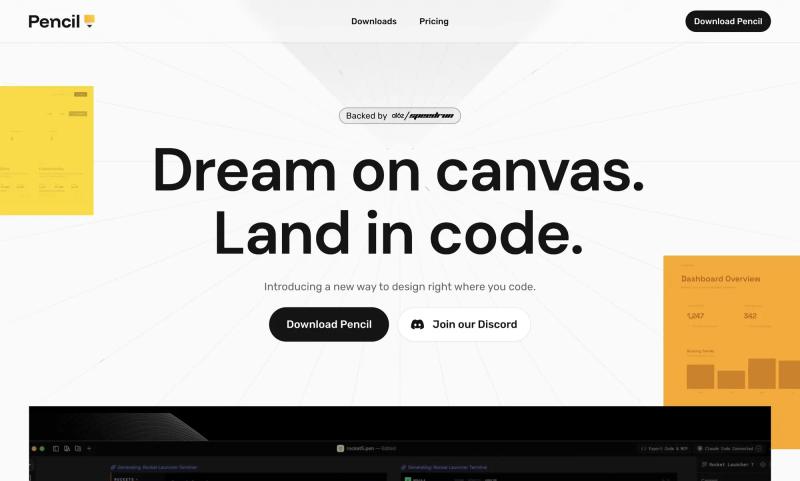
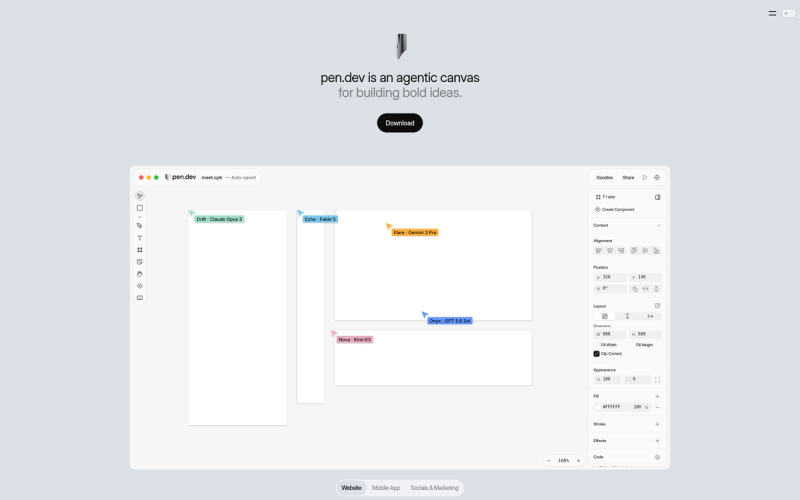
Pencil brings designing directly into your preferred IDE. Its description says it increases engineering speed, so the pitch is that you stop switching between a design tool and an editor.
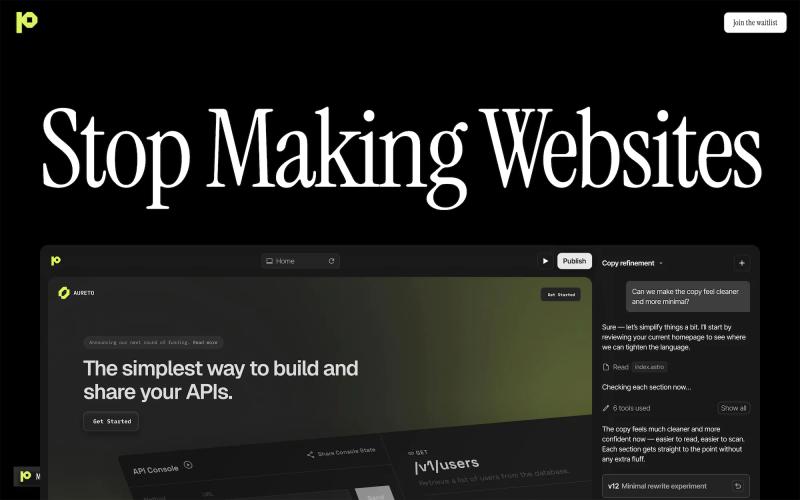
Pablo works from the repo side. It is an AI agent that designs and tunes your website as you build your product. You connect GitHub, and the site builds itself, according to its description.
These two suit people who already ship from a codebase. If you do not use an IDE or GitHub, they will not fit your day, and that is worth knowing before you click through.
Build with AI, then refine
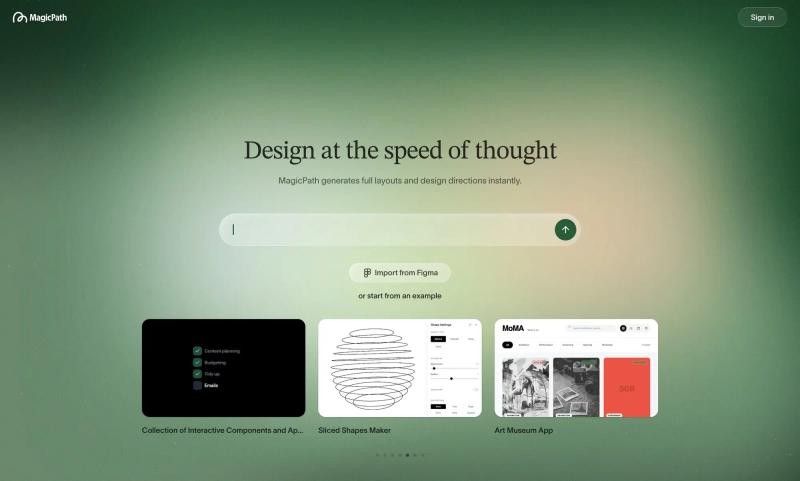
MagicPath is the broadest of the set: create, refine and explore with AI. It is tagged for web apps, website builders and mobile apps.
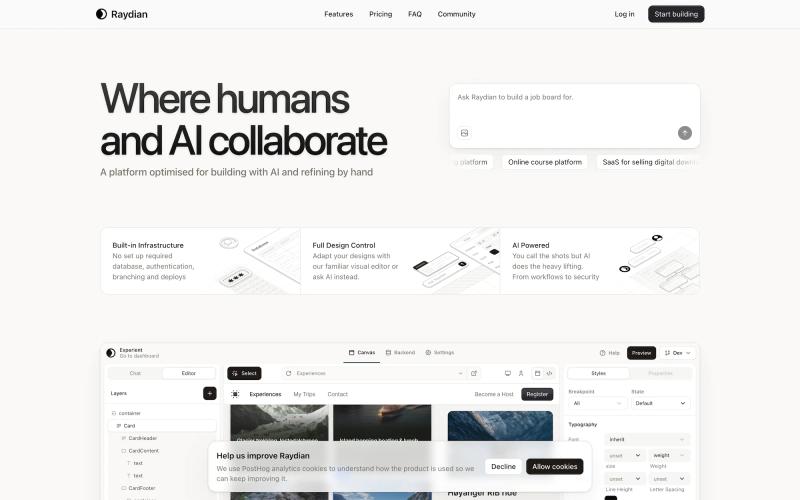
Raydian describes itself as a platform for building, shipping and scaling, optimised for building with AI and refining by hand. It says up front that you will still be making changes by hand.
Both descriptions are short, so try them on a real project to see how far each one goes. The directory entries do not say which stacks or output formats they support, so check that on their sites before you commit.
Review AI-generated code
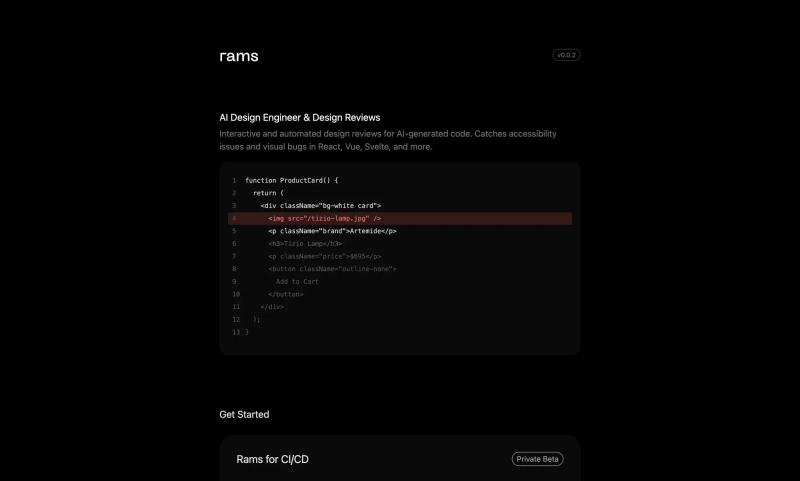
rams runs automated design reviews for AI-generated code. It catches accessibility issues and visual bugs in React, Vue, Svelte and more.
This is the one that answers a problem the others can create. If an agent writes your interface, something still has to check it. rams is a utility, so it sits next to your build rather than replacing a design tool.
Images and mockups
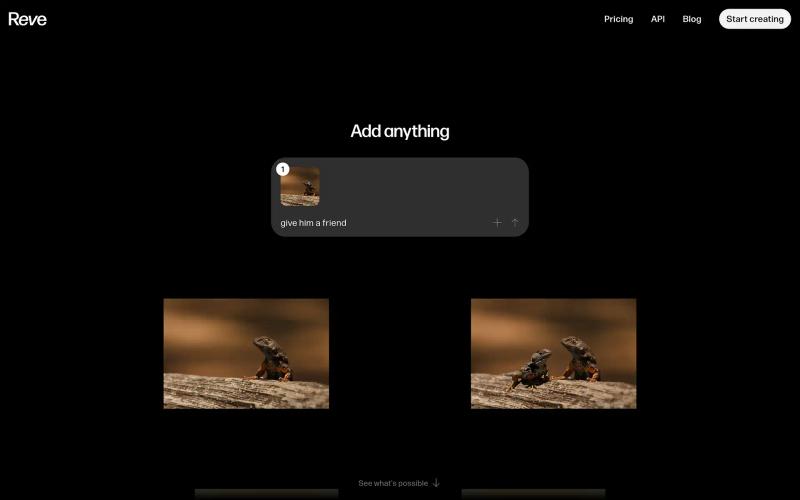
Reve creates, edits and remixes images. You combine natural-language edits with a drag-and-drop image editor, so you can describe a change or just move things around.
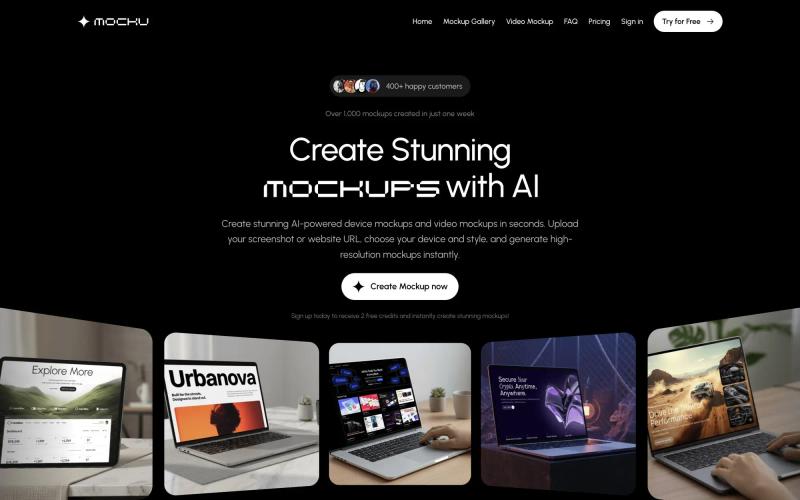
Mocku makes device mockups and video mockups. You upload a screenshot or a website URL, choose a device and a style, and it generates high-resolution mockups.
These two do not touch your code. They cover the asset work that tends to pile up around a launch.
How to pick one
Start from the job. If your pain is the handoff between design and code, look at Pencil or Pablo. If it is checking what an agent produced, look at rams. If it is a missing image or a mockup for a landing page, Reve and Mocku are single-purpose.
[Corey: which of these would you reach for first, and why?]
FAQ
Can AI design tools work inside my code editor?
Pencil does. Its description says it brings designing directly into your preferred IDE.
Is there an AI tool that reviews design in generated code?
rams does. It runs automated design reviews on AI-generated code and catches accessibility issues and visual bugs in React, Vue, Svelte and more.
Can AI build a website from my GitHub repo?
Pablo says it can. You connect GitHub, and its AI agent designs and tunes your website as you build your product.
How do I make a device mockup from a URL?
Mocku takes a screenshot or a website URL. You pick a device and a style, and it generates the mockup.

Subscribe for updates
Get updates on the latest curated resources and be the first to hear of new features.
SubscribeStyle, type, and motion in harmony, architectural web glory, AI your brand
When AI becomes your copilot, make sure you still know how to fly the plane.
Featured inspo