Where Whalesync Really Wails
Moving data between Airtable and Webflow can cause a lot of headaches. There are a few no-code tools that try to tackle this problem. Lucky for us, we discovered Whalesync, which can alleviate much of this pain. After using Whalesync on a recent project, I share a couple scenarios where Whalesync really wails.
That said, nothing is perfect - so I also share a situation where it got tripped up a bit.
Tags
Creator
Share this item
Related items



Have feedback or a question related to this item? Drop us some feedback!
Curated:
9.21.22

100 SEO pages in 20 minutes with OpenAl +Webflow + Whalesync
12.14.22

Using Airtable to power the data on your Webflow site
8.28.22



Parabola and Webflow: Automatically feature your most popular blog post
12.3.19

Build AI-Generated Blog Writer In Webflow w/ GPT-3
3.6.23

Connect Webflow to Airtable, Mailchimp and Slack with Webflow Logic
2.4.23

How to create and schedule social posts with Al
12.15.22


Use Airtable Scripts to Resize and Crop Images
10.4.22

Webflow Forms to Airtable (without Zapier or Make)
4.6.22
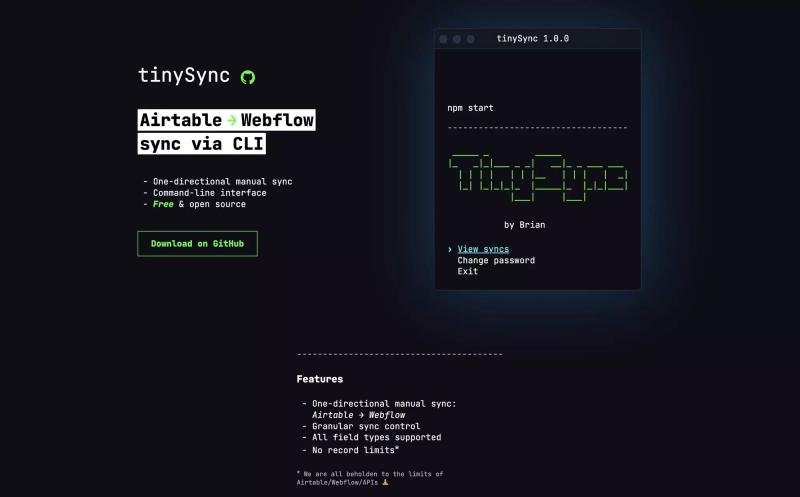
TinySync - Airtable → Webflow CMS Sync Via CLI
1.16.24

Use AI to Streamline Airtable Automations
1.6.24

Creating a CMS based map with Webflow + Mapbox
5.25.23



Understanding IF and SWITCH Statements in Airtable
1.21.23


Automate Personalized Emails from Gmail using Airtable
1.18.23


Subscribe for updates
Get updates on the latest curated resources and be the first to hear of new features.
SubscribeStyle, type, and motion in harmony, architectural web glory, AI your brand
When AI becomes your copilot, make sure you still know how to fly the plane.
Featured inspo

Bleibtgleich

Refero Styles

Daniel Sun

21Oaks