How to add dynamic filtering and sorting to your Webflow websites

Learn how to give your users the ability to filter and sort content on your website.
Tags
Share this item
Related items

Have feedback or a question related to this item? Drop us some feedback!
Curated:
12.3.19


Infinite scroll: how to keep your audience engaged in 2019
12.3.19
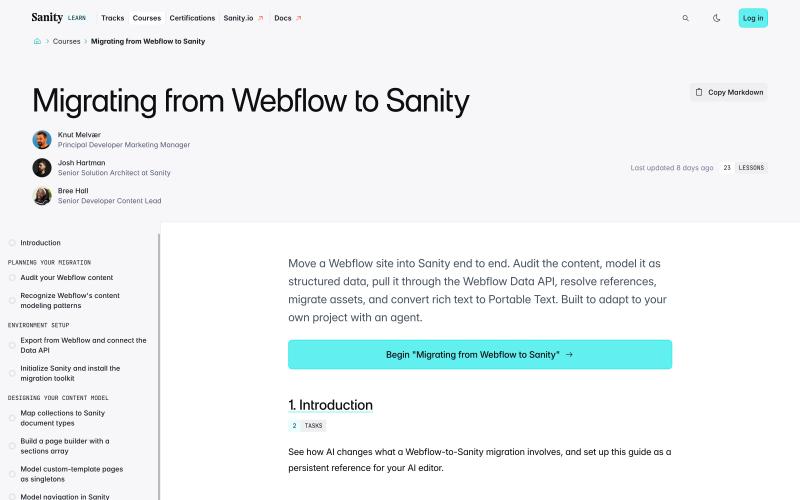

Guide on Migrating Your Wordpress Site to Webflow
2.23.23


Top 3 tricks for CMS collection lists in Webflow
8.28.22

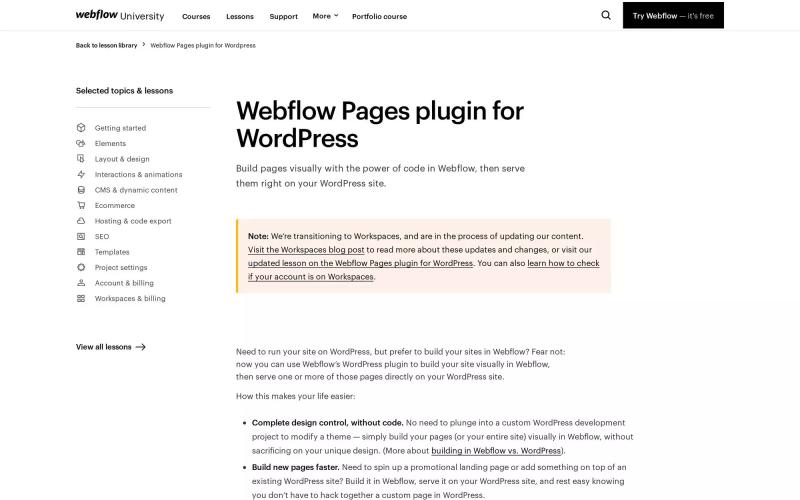

11 time-saving pro tips for web designers working in Webflow
12.3.19


Webflow custom code snippets you would use. Episode 1
12.3.19
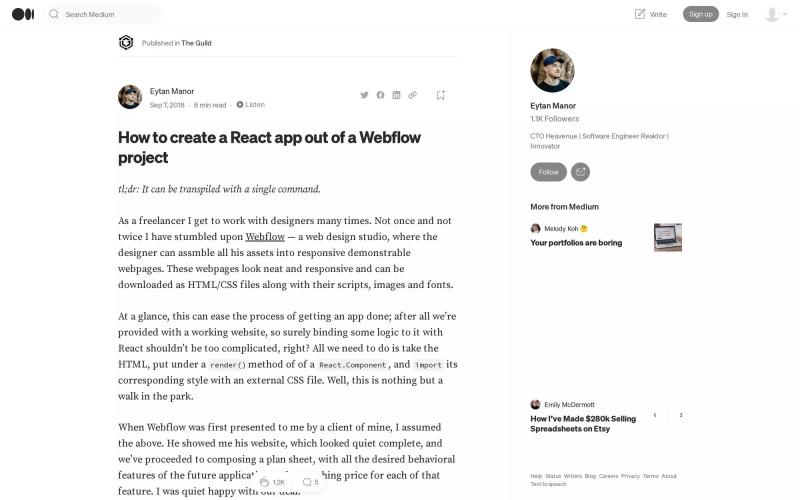
How to create a React app out of a Webflow project
12.3.19

How to build page transitions in Webflow
12.3.19

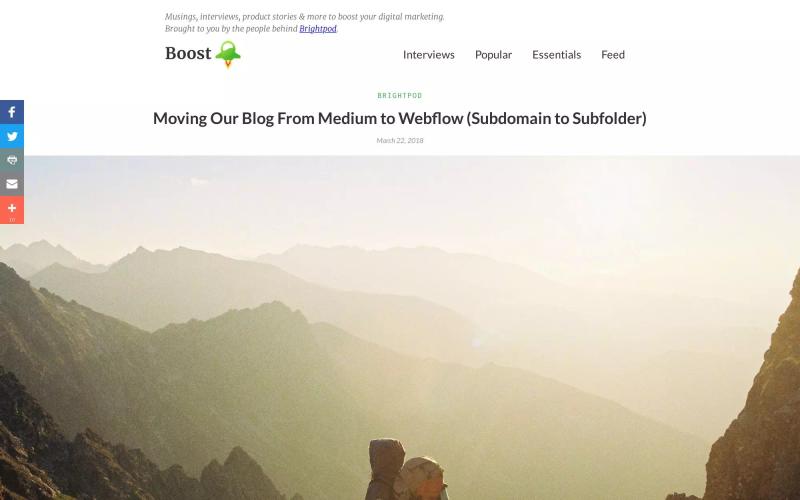
Moving Our Blog From Medium to Webflow (Subdomain to Subfolder)
12.3.19

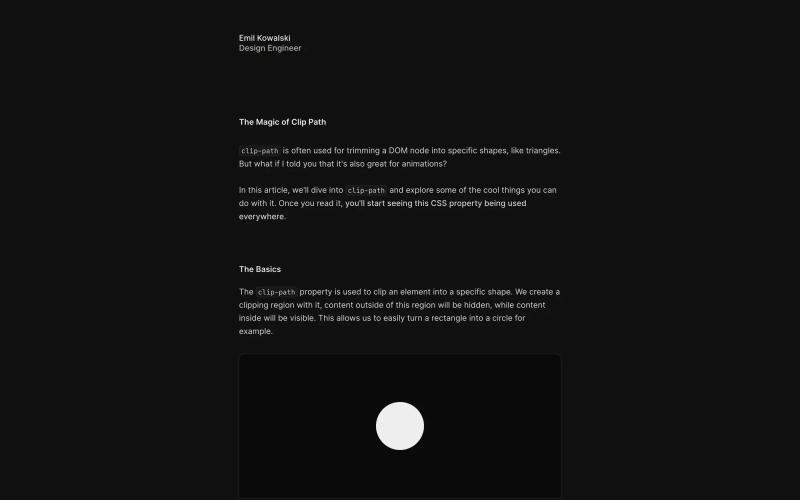

What You Need to Know about Modern CSS (Spring 2024 Edition)
3.29.24


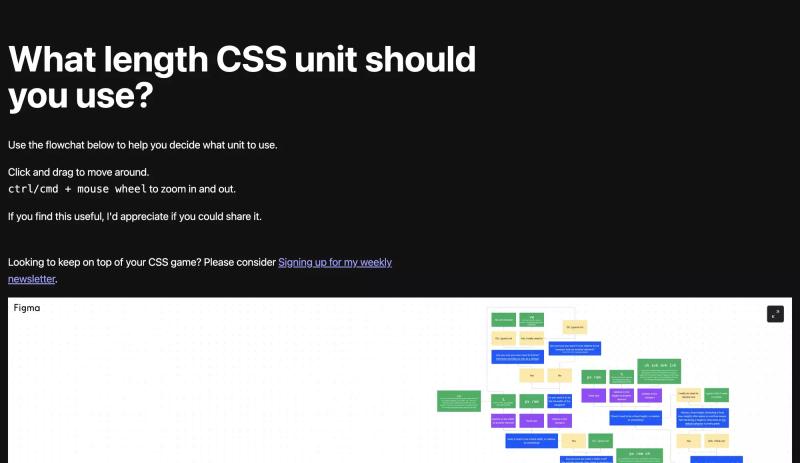
What CSS length unit should you use?
11.28.23


Subscribe for updates
Get updates on the latest curated resources and be the first to hear of new features.
SubscribeStyle, type, and motion in harmony, architectural web glory, AI your brand
When AI becomes your copilot, make sure you still know how to fly the plane.
Featured inspo

Half the Sky

Rehtrew

Bleibtgleich

Refero Styles