Webflow apps and extensions worth installing
TLDR
Seven Webflow apps and extensions from our directory, grouped by the job they do: forms, content, assets, privacy, building faster and shipping code components.
Seven Webflow apps and tools in our directory extend what Webflow does natively: HubSpot for forms, BlogSync for publishing from documents, Hugeicons for icons, CookieFlow for consent, the Finsweet Extension, the <divs> generator and a repo for deploying code components. Each one adds something to Webflow instead of replacing it.
They are grouped below by what they do, so you can skip straight to the problem you have.




Forms, content and privacy
The Hubspot Webflow App is a revamped version of the original app. It is built to work with HubSpot's new Form Editor, iframe embeds or native Webflow forms, and it lets you design, sync and publish HubSpot forms visually inside Webflow. If you already sent form submissions to HubSpot through the older app, the listing says the familiar features carry over, with new ones added.
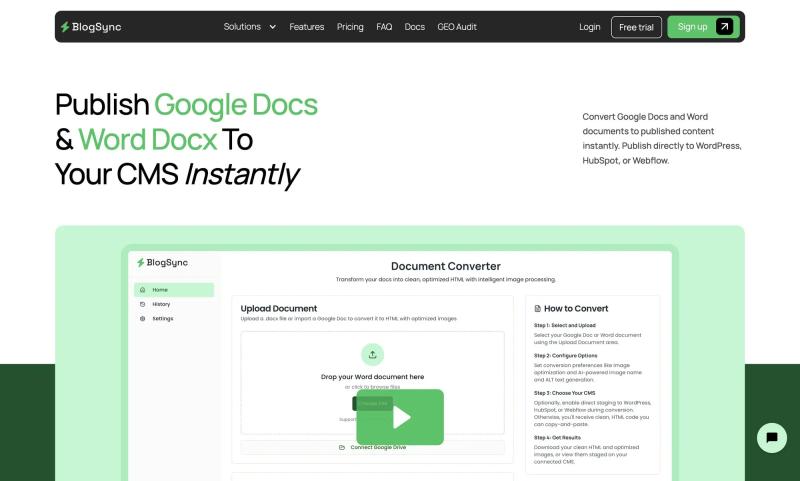
BlogSync converts Google Docs and Word documents into published content. It can publish to WordPress, HubSpot or Webflow, which matters if the writing happens in a document and someone else has to move it into the CMS by hand. It is tagged for CMS, workflow and automation work.
CookieFlow is a GDPR-compliant cookie consent, CMP and privacy solution for Webflow. The listing is short, so check the CookieFlow page for how consent is configured and what it costs before you commit.
[Corey: which of these have you actually put on a client site, and what did you replace with it?]
Assets and building faster
The Hugeicons Webflow App puts a consistent icon system directly inside Webflow. The listing is tagged for design systems, assets and component libraries, which fits: the benefit is that every icon on a site comes from one set rather than a mix of sources.
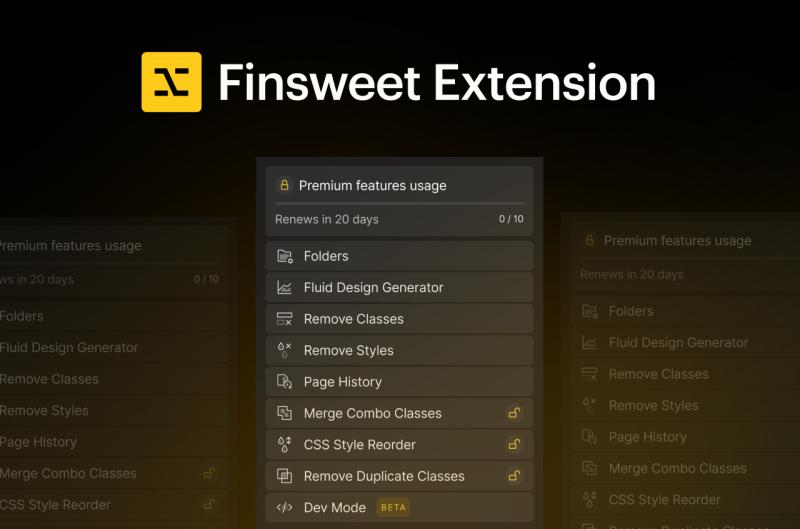
The Finsweet Extension Webflow App is made by Finsweet and is tagged for extending Webflow, custom code and CSS. Its listing only promises that it speeds up your workflow, so open the app page to see the specific features before assuming it covers a particular chore.
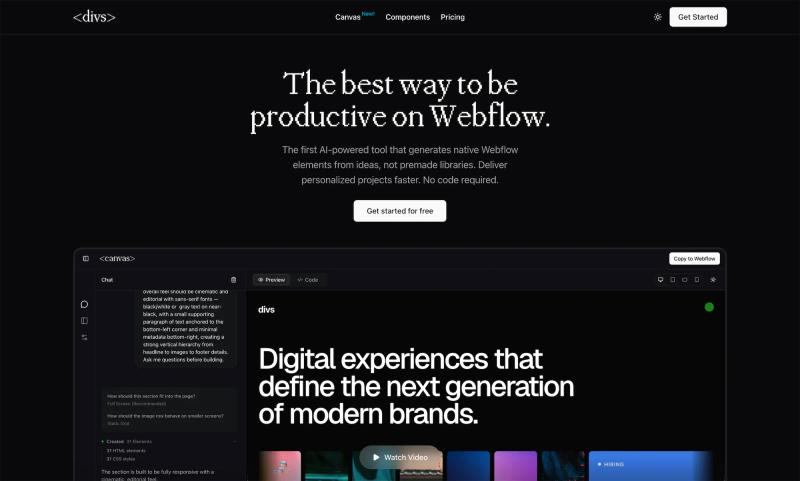
The <divs> Webflow AI Generator works differently. You describe what you need and get native Webflow elements generated from scratch, not premade templates. You can attach images, write code or use AI to get there, and it is free to start. Native elements means the output is built from Webflow's own building blocks.
Shipping code components
Webflow Code Component Deploy is a GitHub repo from sygnaltech, so expect to read the README and set it up yourself rather than clicking install. It is tagged for component libraries, custom code and workflow, and the name says what it is for: deploying code components.
[Corey: what part of the code component workflow was the most painful before, and does this repo fix it?]
Before you install
Some of the listings here give you little to go on, and that is a signal to read the app page and any docs before you add it to a client site. [Corey: how should readers send you apps that belong on this list?]
FAQ
Where do I find Webflow apps?
Several of the tools above are listed on the Webflow Apps Marketplace, including HubSpot, Hugeicons and the Finsweet Extension. Others live outside it: BlogSync and CookieFlow have their own sites, and the code component deploy tool is a GitHub repo.
Can I turn a Google Doc into a Webflow CMS post?
BlogSync converts Google Docs and Word documents into published content and can publish directly to Webflow, as well as WordPress and HubSpot.
Can I add HubSpot forms to a Webflow site?
Yes. The Hubspot Webflow App lets you design, sync and publish HubSpot forms visually in Webflow, and it works with HubSpot's new Form Editor, iframe embeds or native Webflow forms.
Is there a cookie consent tool for Webflow?
CookieFlow is described as a GDPR-compliant cookie consent, CMP and privacy solution for Webflow.




















Subscribe for updates
Get updates on the latest curated resources and be the first to hear of new features.
SubscribeStyle, type, and motion in harmony, architectural web glory, AI your brand
When AI becomes your copilot, make sure you still know how to fly the plane.
Featured inspo